XsoraAI Review (2026): Is This The End of Manual Video Editing?
We’ve all been there—staring at a blank timeline in Premiere Pro or CapCut, knowing we need to post a Reel or TikTok, but dreading the hours of editing ahead. The promise of AI video tools is always the same: “Click a button, get a movie.” But rarely does it work that way in practice.
Enter XsoraAI. I spent the last week testing this platform to see if it’s just another hype train or a legitimate tool for creators who need volume over perfection.
Is it worth it? Yes, but only if you choose the right plan. XsoraAI is not for Hollywood filmmakers. It is a high-speed engine for marketers and agencies who need to pump out “talking head” and animated social content daily without hiring an editor.
My Recommendation: Skip the credit-based plans (they get expensive fast). The Pro Elite Tier is the only one that makes mathematical sense for serious creators.
Test 1: The Artistic Styles (Can It Actually Animate?)
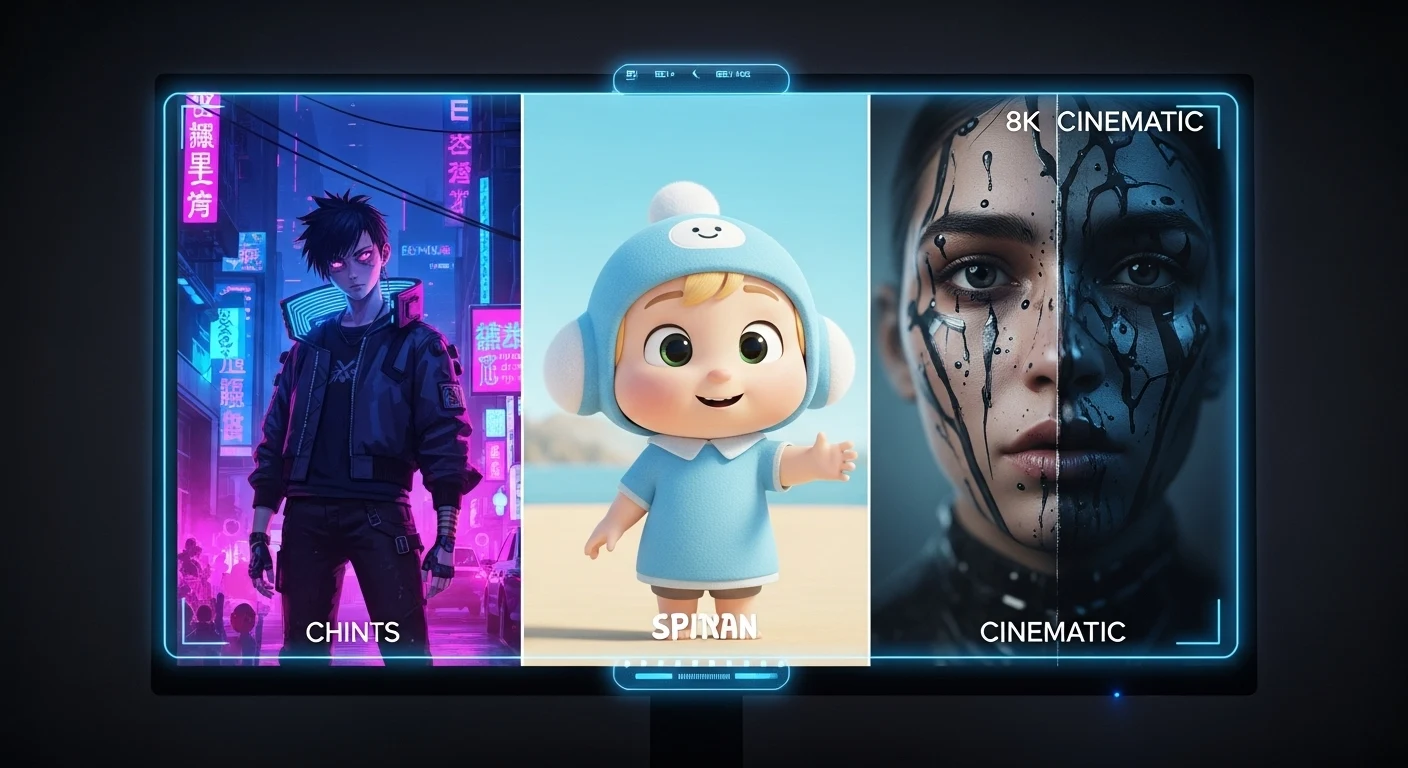
Most reviews focus on the “spokesperson” avatars, but I wanted to push the engine. I hopped into the dashboard—which, honestly, feels refreshingly simple compared to the cockpit-like interface of Runway Gen-3—and selected the Anime Style preset.
My prompt was simple: “A cyberpunk hacker typing furiously in a neon-lit alleyway, rain falling, blue and pink lighting.”
The Result:
The generation took about 60 seconds. The visual fidelity was surprisingly sharp. It didn’t have that “melting face” glitchiness you sometimes get with older Stable Diffusion models. The aesthetic was consistent.
The “Human” Experience:
I did find the lack of control slightly frustrating. Once the video is generated, that’s it. You can’t say, “Keep the background but change the character’s jacket.” If you don’t like it, you have to re-roll the dice. This is fine for quick social clips, but if you’re a perfectionist, you might find yourself burning credits (another reason why the Unlimited Plan is vital).
Test 2: The “Set & Forget” Scheduler
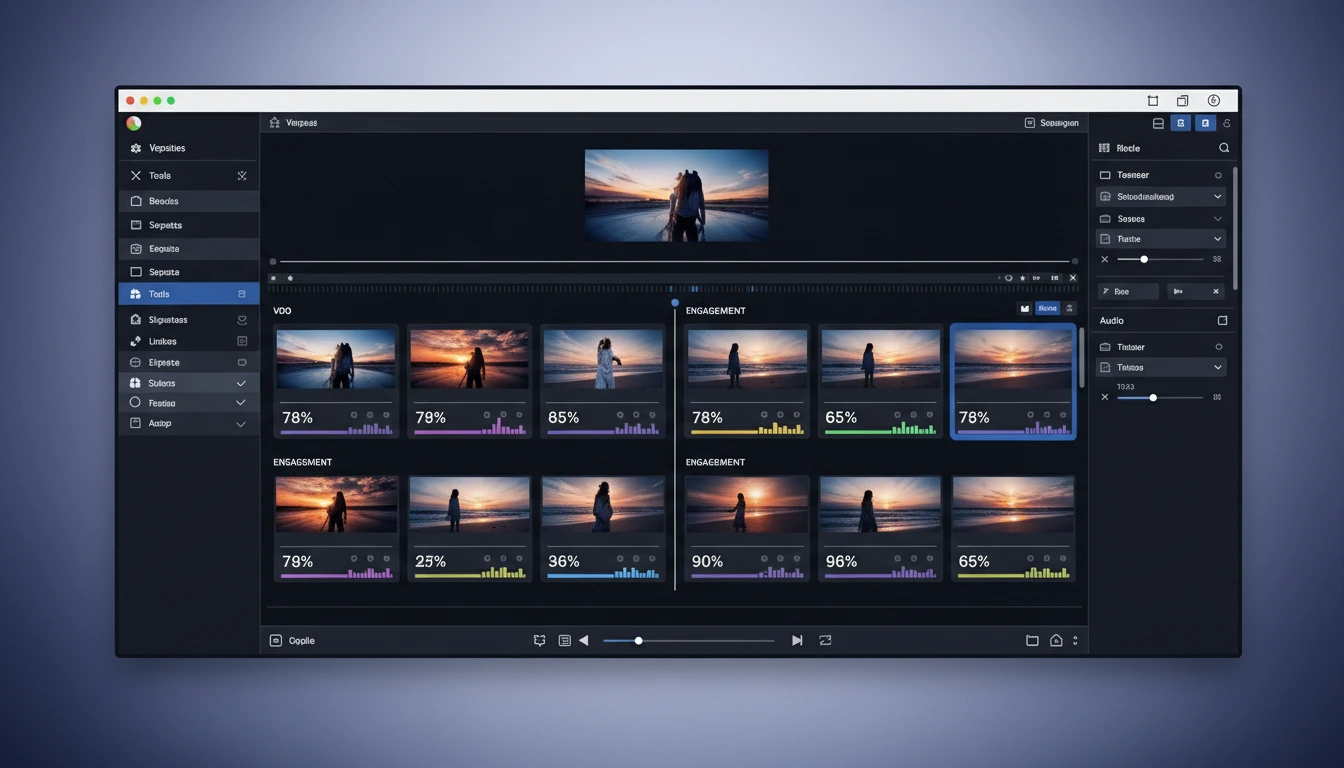
This is where XsoraAI actually separates itself from the pack. Usually, I have to generate a video in one tool, download it, transfer it to my phone, and then upload to TikTok.
With XsoraAI, I connected my test Instagram account directly in the dashboard.
- The Workflow: I generated a 15-second “Talking Head” promo video.
- The Export: Instead of hitting download, I clicked “Schedule.”
- The Result: It posted perfectly at the scheduled time without me touching my phone.
For agencies managing 5+ client accounts, this feature alone saves about 3-4 hours a week of administrative headache.
The Pricing Trap: Don’t Lose Money
Here is the most important part of this review. XsoraAI offers two types of billing, and one is a trap for active users.
The “Credit” Plans: You pay ~$27 for roughly 5 videos. That is roughly $5.40 per video. That is expensive.
The “Unlimited” Plans: The Pro Elite tier sits around $57. If you make just one video a day (30 a month), your cost drops to $1.90 per video. If you run an agency and make 100 videos, it’s pennies.
Do not test the waters with the Credit plan. You will run out of credits in an hour of testing. Go for the Pro Elite to get the infinite rendering. It allows you to make mistakes without “wasting money.”
Check Current Pro Elite Pricing Here »
Pros & Cons: The Honest Truth
- Speed: From idea to published video in under 5 minutes.
- All-in-One: The only tool that combines generation + scheduling.
- Talking Heads: The lip-sync is solid for English marketing videos.
- Commercial Rights: You own what you make (crucial for client work).
- Mobile Experience: I tried using the mobile dashboard on my subway commute, and it was clunky. Stick to desktop for creation.
- No Fine-Tuning: You cannot edit individual frames. If the AI renders a weird hand, you have to regenerate the scene.
Interactive Tool Comparison
I built this tool so you can see exactly how XsoraAI stacks up against the heavy hitters like Runway and InVideo. Sort by what matters to you.
Final Verdict (2026 Review)
Is XsoraAI Worth Buying?
If you are looking for a tool to make cinematic masterpieces for Netflix, skip this. Go learn After Effects.
But, if you are a marketer, affiliate, or agency owner who needs to feed the content algorithm beast with 3-5 videos a day, XsoraAI is currently the best ROI tool on the market. It removes the friction of editing and posting.
Ideal For: TikTok creators, Faceless YouTube channels, Local Marketing Agencies.
Get The Pro Elite Plan (Best Value) »Frequently Asked Questions
1. Can I use XsoraAI videos for client work?
Yes. This is a huge selling point. Even the entry-level paid tiers include a Commercial License. You can legally sell these videos to local businesses or use them in ads.
2. Is the “Unlimited” plan actually unlimited?
In my experience, yes. The Pro Elite plan allows for infinite rendering. This is crucial because AI video generation is trial-and-error; you don’t want to pay for the “errors.”
3. Does it work on mobile?
Technically, yes. Practically? It’s a bit of a pain. The interface is optimized for a desktop screen. I recommend doing your heavy lifting (creating the videos) on a laptop and just using your phone to check the schedule.
4. How good is the lip-sync?
For English, it’s very good—comparable to HeyGen’s mid-tier models. For other languages, it can be hit or miss. If you are targeting a global audience, test the language first.
5. What happens if I cancel?
If you cancel, you keep the videos you’ve already downloaded and published. You just lose access to the creation engine and the scheduling dashboard.