ShowcaseAI Review: The Death of the Expensive Video Studio?
If you have ever tried to market a product online, you know the “Video Tax.” It’s the time, money, and sheer frustration of hiring actors, setting up lights, or struggling with complex editing software just to get one decent 30-second ad.
I’ve been there—spending $500 on a freelancer only to get a video that looks like it was filmed on a potato.
Enter ShowcaseAI. This tool makes a bold claim: upload a single photo, and it will generate a studio-quality video, complete with a talking human avatar or a cinematic product showcase, in minutes. No cameras. No actors.
Is it actually usable for a real business, or just another AI gimmick? I dove into the features to find out.
🔹 Bottom Line Up Front
What is it? An all-in-one platform that turns static images into talking avatar videos, product showcases, and virtual try-ons.
Who is it for? eCommerce store owners (Shopify/Etsy), drop-shippers, and marketers who need high volume video content without filming.
The Verdict: If you need “Hollywood” perfection, hire a studio. But for social media ads (TikTok/Reels) and product pages, this is a massive time-saver that pays for itself in one project.
Current Deal: $47 One-time (Use coupon SHOW10 for $10 off).
Table of Contents:
1. The Hands-On Test: Does it Work?
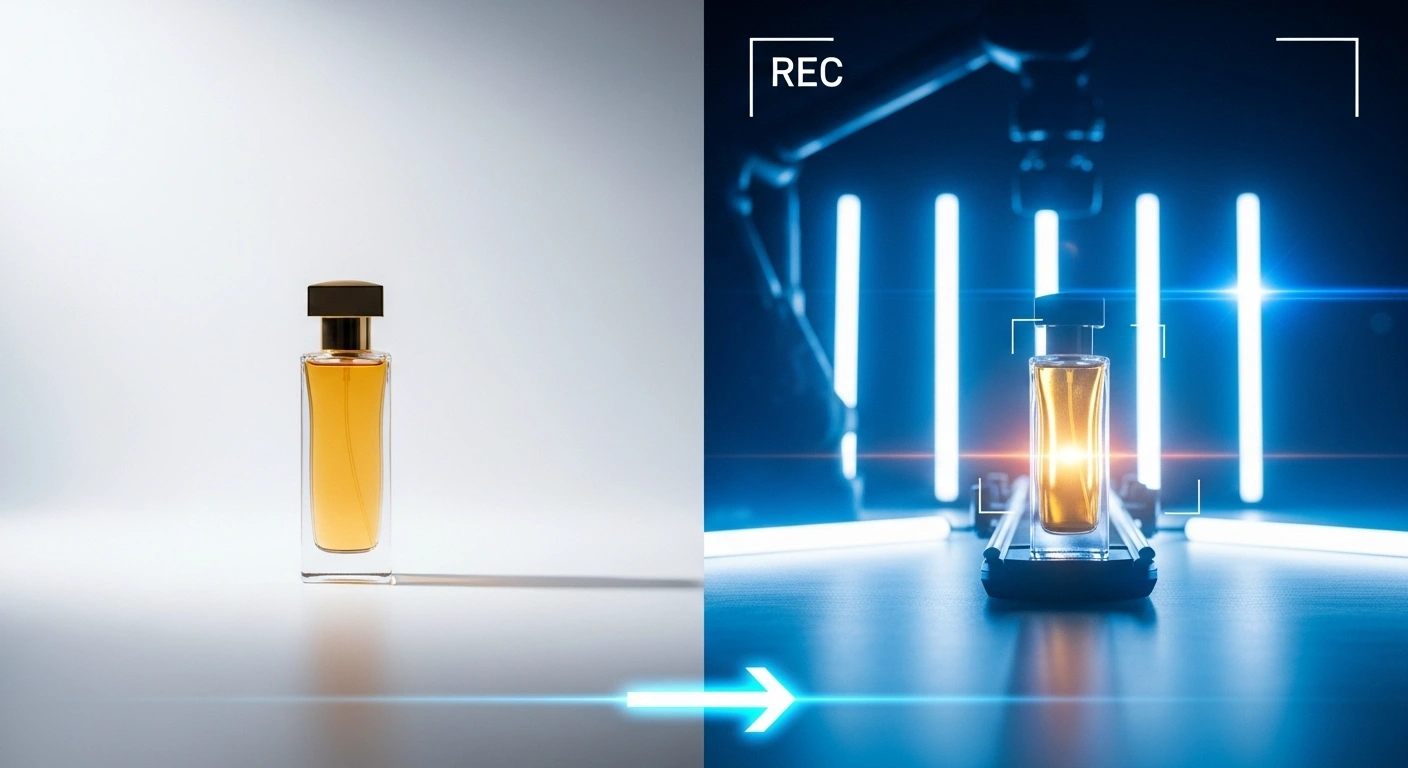
I wanted to simulate a real-world scenario. Imagine I’m running a perfume brand and I have zero budget for a video shoot. All I have is a static photo of a bottle.
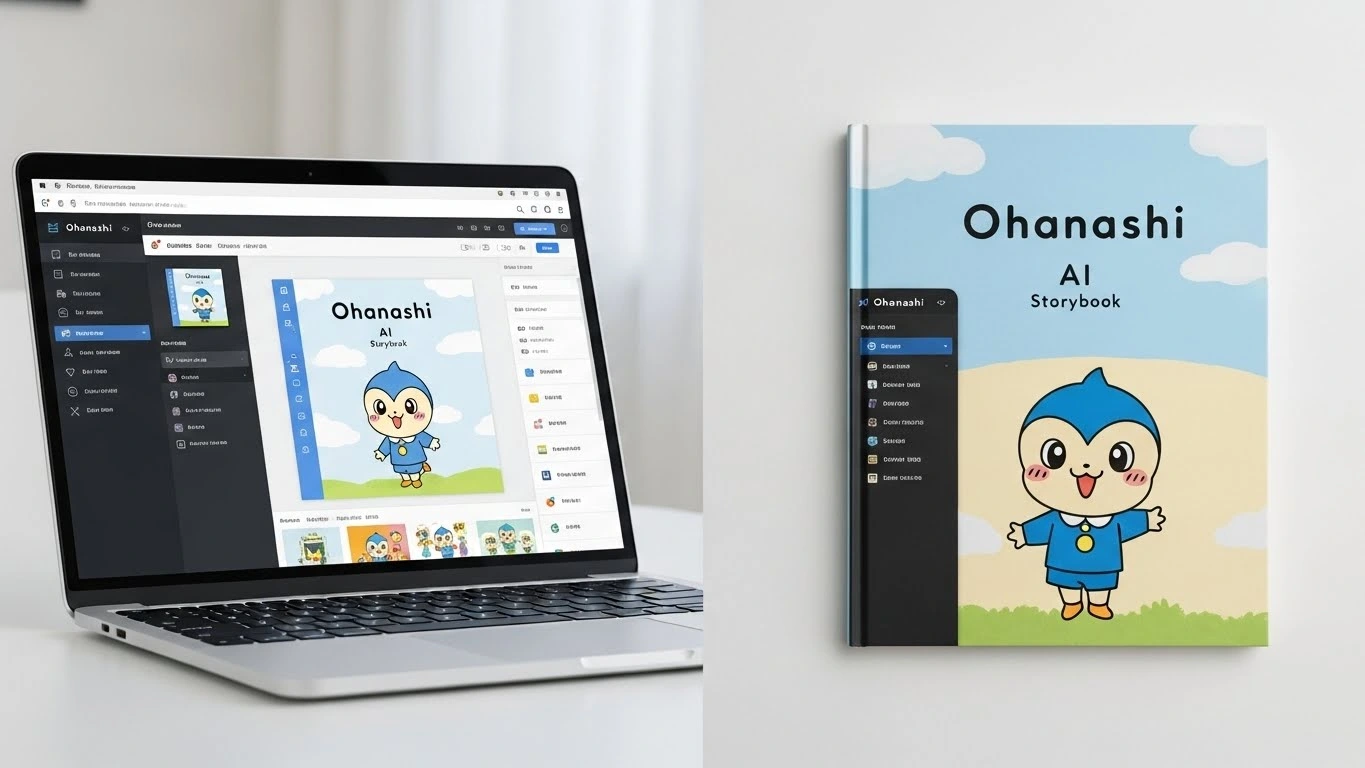
I logged into the dashboard, which is refreshingly clean (blue accents, dark mode options—very modern). I navigated to the “Product Showcase” tool.
The Process:
- Upload: I uploaded the static image of the perfume bottle.
- Prompt: I typed: “Cinematic slow motion, golden hour lighting, sitting on a marble table.”
- Render: I hit generate.
The Result:
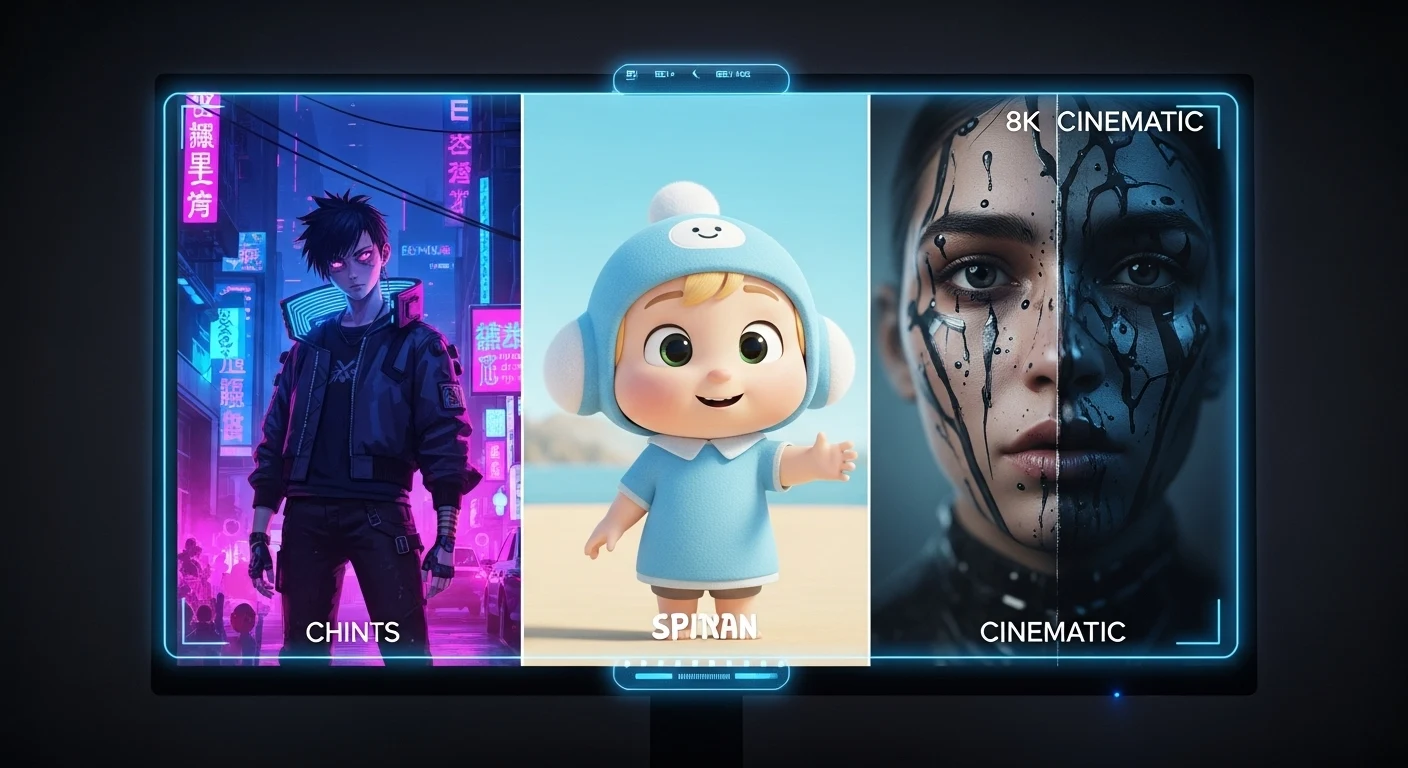
It took about 2 minutes to render. The AI didn’t just pan across the photo; it actually added depth. The light reflected off the glass bottle as if the camera was moving around it. It wasn’t perfect 8K cinema quality, but for a Facebook ad or an Instagram Reel? It was more than enough to stop the scroll.
2. Key Features Breakdown
ShowcaseAI isn’t just one tool; it’s a suite. Here is what stands out.
🎥 Talking Avatar Videos
This is the flagship feature. You upload a photo of a person (or generate one), type a script, and the AI animates their face to speak your words.
My take: The lip-sync is solid. It handles pauses well. However, like most AI avatars, if you stare closely at the eyes, you can tell it’s AI. It works best for short intro videos or social media updates where people are watching on small phone screens.
👗 Virtual Try-On (The “Wow” Feature)
This was surprisingly fun. I uploaded a photo of a dress and a generic model. The AI “dressed” the model in the clothing. For drop-shippers who use AliExpress images, this is a game-changer. You can take a flat lay of a shirt and put it on a human model without arranging a photoshoot.
📢 AI Ads Video Creator
Instead of editing timeline tracks, you just select a template. The AI pulls your product image, adds the avatar, puts background music, and generates the voiceover. It essentially does the work of a junior video editor in about 5 minutes.
3. Pricing & Coupon Codes
The pricing structure is a “Launch Special,” meaning it’s a one-time fee right now rather than a monthly subscription (which is rare for video AI tools).
| Plan | Price | Best For |
|---|---|---|
| Front-End (Commercial) | $47 (Use code: SHOW10) | Solopreneurs & Beginners |
| The Bundle Deal (Includes ALL Upgrades) | $297 (Use code: SHOWCASE50) | Agencies & Power Users |
⚠️ Important Note on Upgrades (OTOs):
The $47 version is great, but be aware that after you buy, you will be offered upgrades like the “Pro” version ($67) or “Agency” license. If you plan on selling these videos to clients, I highly recommend checking out the Bundle Deal to get everything at once.
Click here for the Front-End Deal ($10 Off) »
Click here for the Bundle Deal ($50 Off) »
4. Calculate Your Savings
Is the software worth the investment? Let’s do the math. Use this calculator to see how much you would spend hiring freelancers vs. using ShowcaseAI.
💰 Studio vs. AI Savings Calculator
5. Pros & Cons (The Honest Truth)
I believe in transparent reviews. ShowcaseAI is powerful, but it’s not magic.
✅ The Pros
- Speed: Concepts to video in under 5 minutes.
- No Camera Anxiety: Perfect for people who hate being on camera.
- Virtual Try-On: A rare feature usually found in expensive enterprise software.
- One-Time Price: No monthly subscription (during launch).
❌ The Cons
- Render Time: During peak hours, I had to wait a few minutes for the video to process.
- AI Voice Emotion: While clear, the voices sometimes lack that specific human “excitement” unless you tweak the settings carefully.
- Credit Limits: The basic plan has limits on how many videos you can generate per day.
6. Final Verdict: Buy or Skip?
RATING: 4.5/5 STARS
Recommendation: BUY
If you are a filmmaker looking to win an Oscar, skip this. Stick to Adobe Premiere.
But if you are a marketer, eCommerce seller, or agency owner who needs to pump out engaging content for TikTok, Instagram, and Facebook ads without going bankrupt, ShowcaseAI is a no-brainer. The “Virtual Try-On” feature alone is worth the entry price of $47.
The fact that it is currently available for a one-time fee makes it a low-risk investment with a potentially huge ROI.