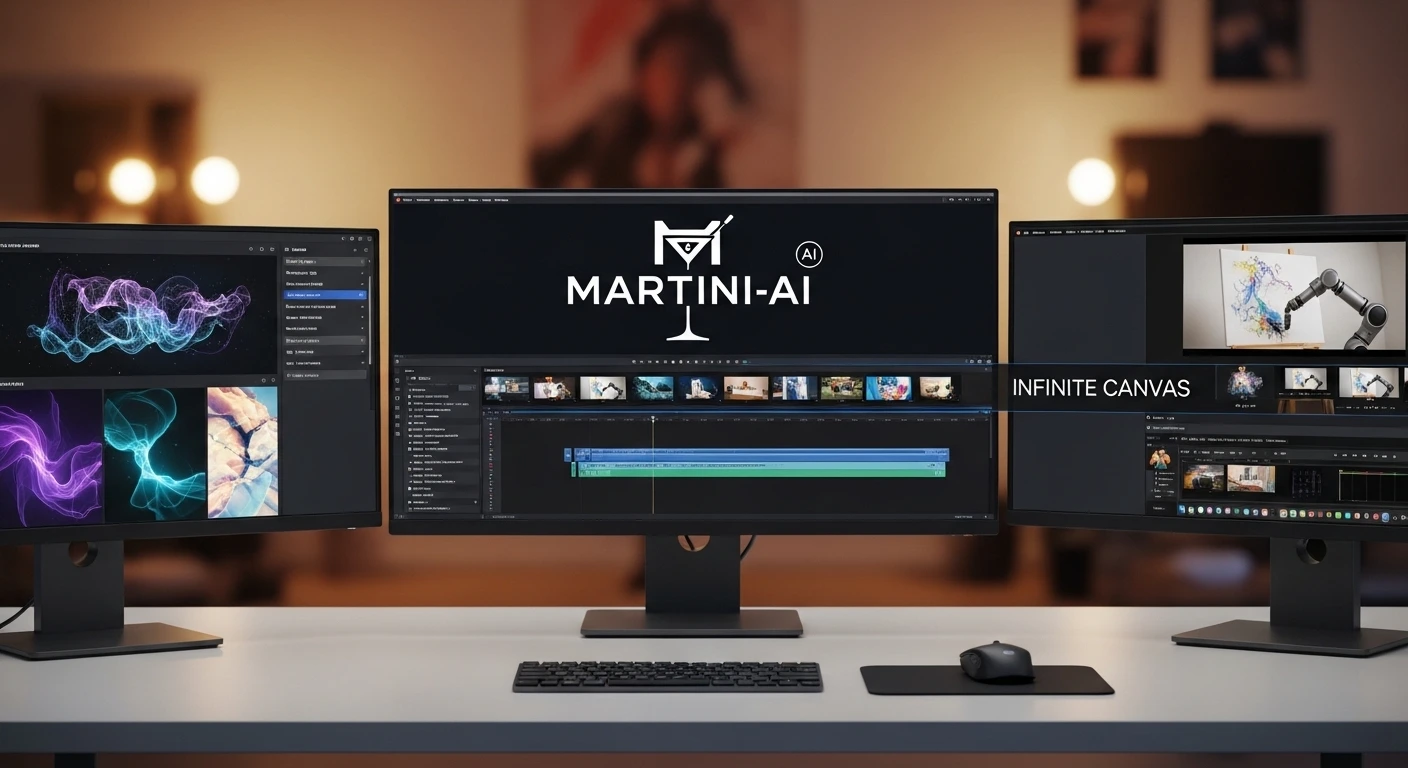
I Built My First AI Short Film on Martini — The Infinite Canvas That Finally Feels Like Real Filmmaking
Key Takeaways
- ✅ One infinite canvas aggregates multiple AI models (Midjourney, Kling, Minimax, ElevenLabs, etc.)
- ✅ Node-based workflow allows you to generate images, video, and audio side-by-side
- ✅ Built-in prompt enhancement helps refine your ideas before generating
- ✅ ElevenLabs integration produces shockingly realistic text-to-speech directly on the canvas
- ✅ Still in early stages—expect a learning curve when connecting nodes and occasional bugs
Picture This: First Impressions of the Canvas
I recently got access to Martini, a new AI workspace that feels like a massive digital whiteboard for creators. Instead of opening separate tabs for Midjourney, a video generator, and an audio tool, everything lives on one screen. You drop a node, pick your model, and start creating. It changes the feeling from isolated prompting to building a comprehensive multimedia project in real-time.
That POV switch at the end! 🤯
— Martini Art AI (@MartiniArt_) February 22, 2026
The dynamic movement, lighting, and intense action in this scene are unreal. Experience the power of Seedance 2, crafted by our brilliant Creative Partner @thebw7.
See my profile to get access to unlimited Seedance 2 generations👇⚔️
#Seedance2… pic.twitter.com/21F1BMBVV9
The Infinite Canvas That Changes Everything
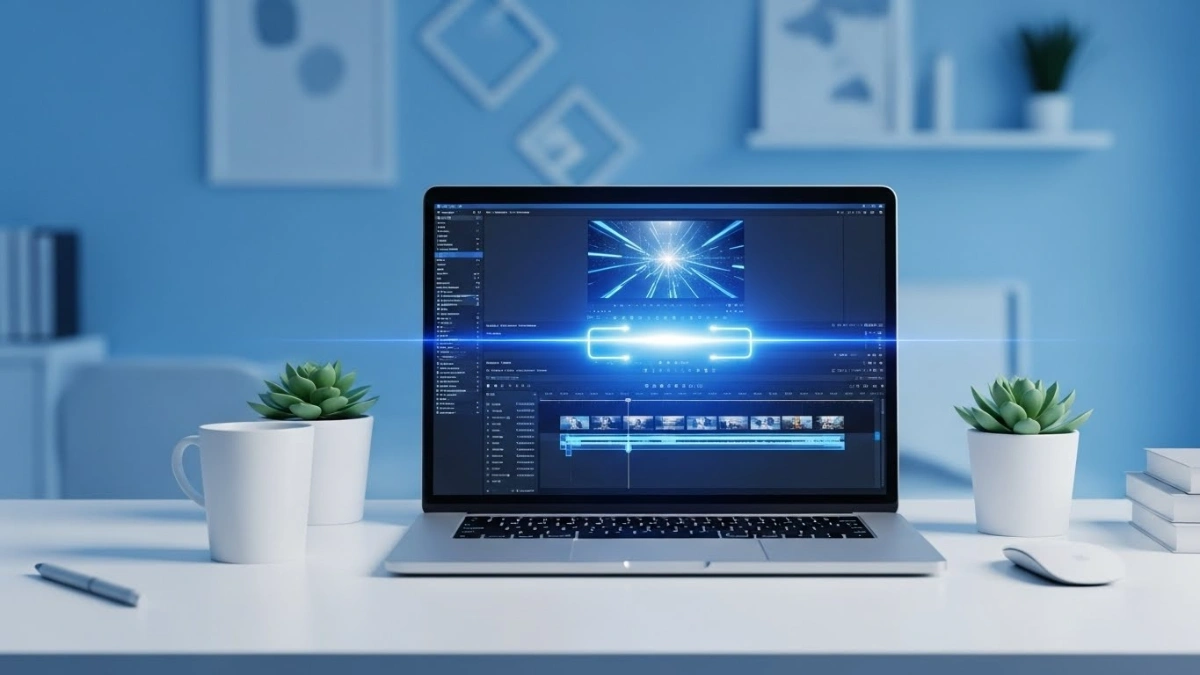
When you start a new project in Martini, you are greeted with a blank, zoomable canvas. You can drag and drop different types of nodes—Images, Video, Audio, 3D, and Text—wherever you need them. It’s highly visual. You can group related generations, zoom out to see your whole workflow, and keep your workspace organized as your project expands.
Meet the Nodes — Your AI Production Crew
Image Node: Building Consistent Worlds
I started by dropping an Image node and selecting Midjourney v6.1. I prompted a “futuristic model confidently strutting down a sci-fi runway.” The platform even has an “Enhance” button to flesh out basic prompts. It generated a stunning four-grid right on the canvas, and I picked my favorite sleek, metallic design.
Video Node: Exploring Motion
Next, I explored the video capabilities. Martini gives you access to heavy hitters like Minimax Video-01-HD, Kling, and Runway. I pasted my enhanced prompt to see how the platform handles video generation. Having access to multiple top-tier video models in a single dropdown menu is a huge time-saver.
Audio Node: Shockingly Real Voiceovers
This blew me away. I added an Audio node, selected ElevenLabs, and chose the “Rachel” voice profile. I typed a quick script: “Thank you everyone. Yes, I am pretty and love showing it off.” The result was instantly generated and sounded incredibly human—all without leaving the app.
My First-Look Workflow
Here is how I set up my first test scene on the canvas:
- Image Generation — Created a base character concept using the Midjourney v6.1 model.
- Prompt Enhancement — Used the built-in enhancer to turn a simple idea into a detailed, cinematic prompt.
- Video Exploration — Dropped a Video node and selected the Minimax model to bring the sci-fi runway concept to life.
- Voiceover — Added an Audio node powered by ElevenLabs for instant, ultra-realistic dialogue.
Two Small Frustrations (Because Nothing Is Perfect)
1. The Learning Curve: The node UI is powerful, but not entirely intuitive right out of the gate. Figuring out exactly how to link an image output directly into a video input node (for image-to-video generation) took some fumbling and trial-and-error.
2. Beta Bugs: It’s clearly still in active development. I encountered a client-side application error that caused a crash while trying to start a new project. You have to be willing to navigate a few rough edges.
Final Thoughts
Martini isn’t just another standalone AI generator; it’s an aggregator and a workspace. It brings the power of Midjourney, Minimax, and ElevenLabs into a spatial environment that makes sense for visual creators. If you want to treat AI as a holistic production suite rather than a collection of separate websites, Martini is definitely worth exploring.
Ready to Explore the Canvas?
Go to martini.art to sign up and start experimenting with multiple AI models in one place.
Once you’ve tried it, come back and tell me in the comments: What’s the first node sequence you want to build? I read every single one and love swapping workflow tips.
Written from real hands-on testing • All features pulled directly from the platform • No hype, just what actually worked.