Why I’m (Finally) Adding AI-First Tools to My Figma Workflow in 2026
The BLUF (Bottom Line Up Front): Figma isn’t going anywhere—it’s still the best place for final, polished design systems. However, if you are still pushing pixels manually for initial wireframes or simple MVPs, you’re losing hours of your life. For rapid prototyping and “vibe-coding” layouts, AI-first tools like UXPilot and Banani have officially become my go-to companions for the “blank canvas” stage.
🔹 Key Takeaways
- Figma stays for systems: Use it for design systems and high-fidelity handoffs.
- AI for the “Blank Canvas”: Use UXPilot to skip the 4-hour wireframing session and do it in 4 minutes.
- Code is the new output: Tools like Vercel v0 and UXPin are making static mockups feel obsolete for dev handoffs.
- Experience over marketing: AI tools still “hallucinate” occasionally, so your design eye is still the final filter.
Look, I Still Love Figma… But the “Blank Canvas” Problem is Real
Let’s be honest: we’ve all been there. You have a great idea for a new user flow, but you spend the first two hours just setting up frames, dragging basic buttons from your library, and aligning headers. Figma is a masterpiece of precision, but it’s not always built for speed.
Lately, I’ve been experimenting with the tools mentioned in the latest 2026 shortlists. I didn’t want to replace Figma; I wanted to stop wasting time on the boring stuff. Here is how my workflow has shifted toward an AI-native approach.
The Discovery: UXPilot and the End of Manual Wireframing
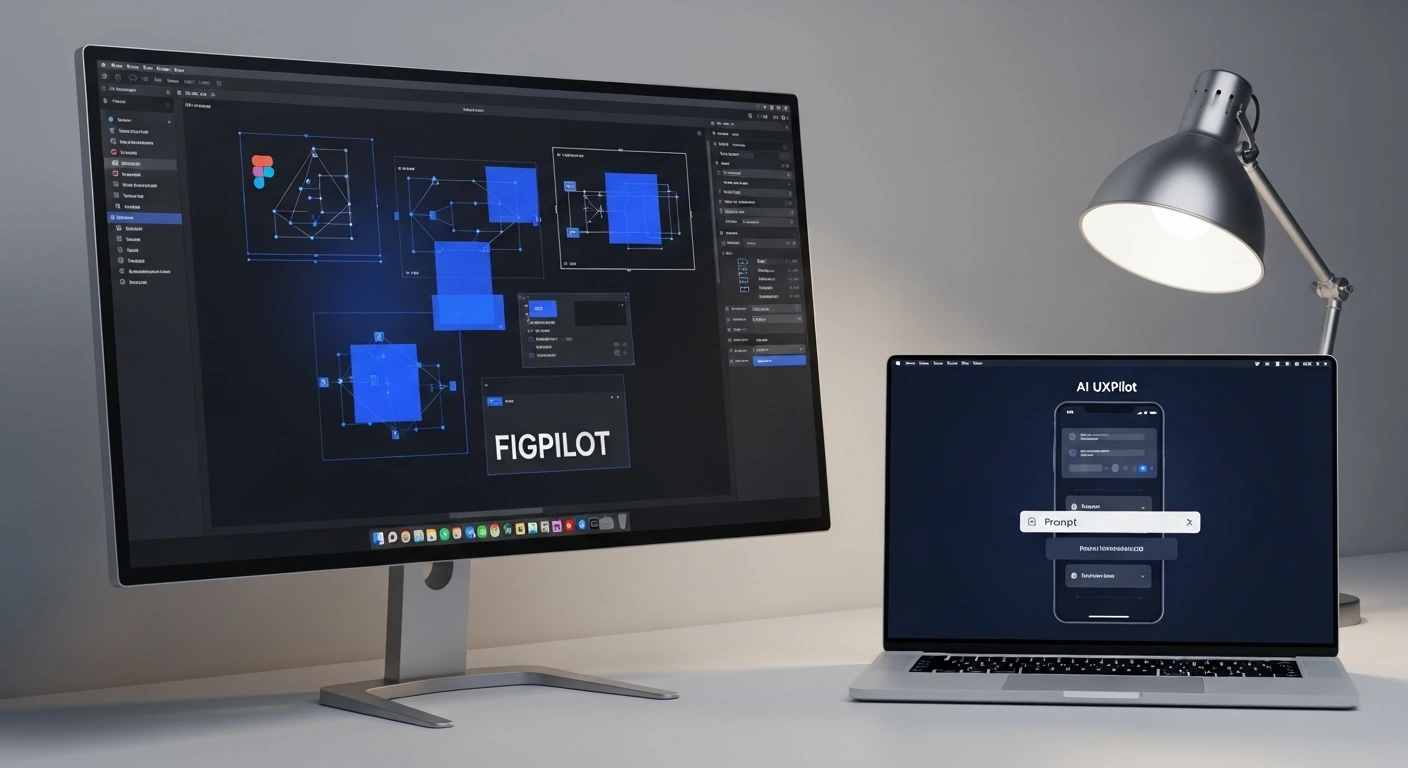
Of all the tools I’ve personally tested this month, UXPilot is the one that actually stuck. Why? Because it doesn’t try to be a closed ecosystem. It has a native Figma integration that feels like it actually understands how we work.
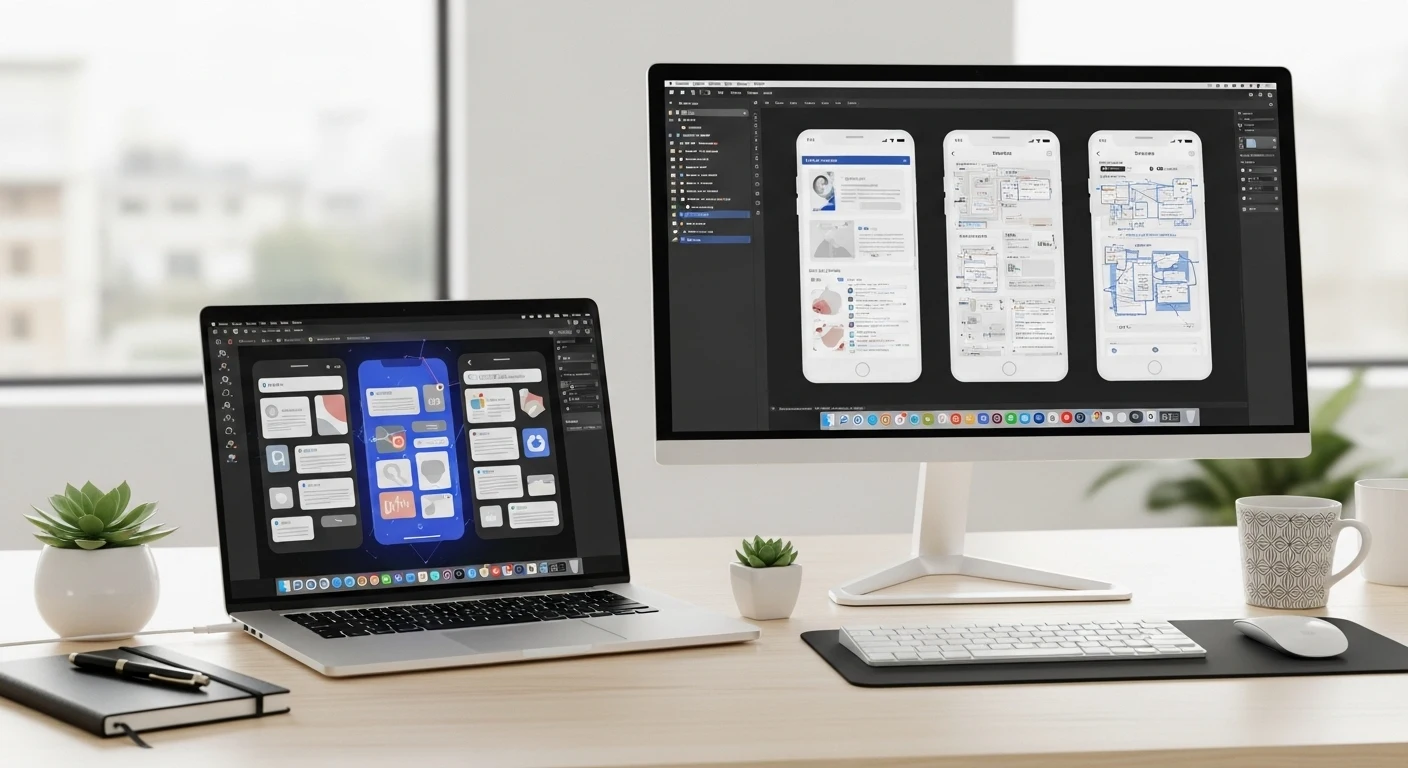
When I tested the “Deep Design” model, I found it incredibly useful for mapping out complex screen flows. Instead of drawing 10 different screens for a checkout process, I typed a prompt, tweaked the “Context” box, and watched the AI generate a logical sequence.
What I find interesting: It generates predictive heatmaps. In my experience, showing a client a heatmap before we’ve even finished the high-fi design is a massive win for credibility. It moves the conversation from “I like this color” to “Here is where the user’s eye will actually go.”
❌ Minor Frustration: The credit-based system is a bit of a buzzkill. When you’re in a “flow state” and the AI gives you a layout that’s 80% there, you want to keep iterating, but you’re always glancing at that credit counter in the corner.
Banani and the “Vibe-Coding” Shift
If UXPilot is for the professional designer, Banani feels like it was built for the Product Manager or the “Design-Lite” founder. It’s the king of what people are calling “vibe-coding”—where you describe the vibe and the intent, and the UI just appears.
When I used Banani to spin up an MVP layout, the “real canvas” feel was much better than Figma’s standard preview mode. You don’t have to switch back and forth; the prompt converts directly into editable layouts.
Here’s the thing: It’s incredibly effective for stakeholder alignment. If a founder says, “I want it to feel like Airbnb but for industrial equipment,” you can literally type that in and show them a version in seconds. It saves days of back-and-forth “guessing.”
When Should You Stick to the “Old Ways”?
Despite the hype around Vercel v0 and MagicPatterns, there are times when I still close the AI tools and go back to pure Figma or even Sketch (if I’m working on a native macOS project).
- Design System Governance: AI still struggles with complex component naming conventions and nested auto-layout logic that a dev team needs.
- Granular Control: Sometimes you just need that one pixel-perfect transition that a prompt can’t quite describe yet.
- Offline Work: If you’re traveling, Figma’s desktop app (or Lunacy) is still more reliable than most cloud-heavy AI generators.
The Verdict: Buy or Skip?
Final Review: The 2026 AI Design Stack
Rating: 4.8/5 Stars
Best For: Designers who want to spend more time on strategy and less time on repetitive layout work.
Not For: Designers who feel threatened by AI or teams with zero budget for extra tool subscriptions.
My Recommendation: BUY. Start with UXPilot for its Figma integration. It won’t replace your skills, but it will make you 10x faster at the “messy” start of a project.
What’s Next?
If you’re still on the fence, I recommend trying a “7-day AI challenge.” Pick one small feature on your roadmap and commit to designing it entirely via prompts first. You’ll be surprised at how quickly you stop missing the “Rectangle Tool.”
Are you sticking with pure Figma this year, or have you started integrating AI? Let’s chat in the comments—I’m curious to see how your handoff process has changed!
Frequently Asked Questions
Is Figma still the best for UI/UX?
Yes, for high-fidelity design systems and team collaboration, it remains the gold standard. However, specialized AI tools are now faster for the ideation phase.
Do these AI tools export to Figma?
Most of the top-tier tools like UXPilot and Banani have direct Figma exports or plugins to ensure you aren’t “locked in” to their ecosystem.
Will AI replace UX designers?
No. AI is great at production, but it’s terrible at empathy. It can’t tell you why a user is frustrated; it can only give you a faster way to build the solution you’ve planned.