The Ultimate Clickly Review 2026: Is This $47 AI Tool the End of “Thumbnail Anxiety”
Check Out the $47 Lifetime Deal Here →
Contents
The Thumbnail Struggle: My Personal Experience
Let’s be honest: We’ve all been there. You spend 10 hours researching, filming, and editing a video, only for it to sit at 42 views because the thumbnail looks like a 2012 MS Paint project.
In my experience, the “guesswork” is what kills growth. I used to stare at a blank Canva canvas for two hours, trying to figure out if I should use a red arrow or a yellow one. Clickly changes the dynamic from creative guesswork to data-modeling. It’s built on the premise that you don’t need to reinvent the wheel—you just need to model what’s already working for the giants in your niche.
How Clickly Works (The 60-Second Test)
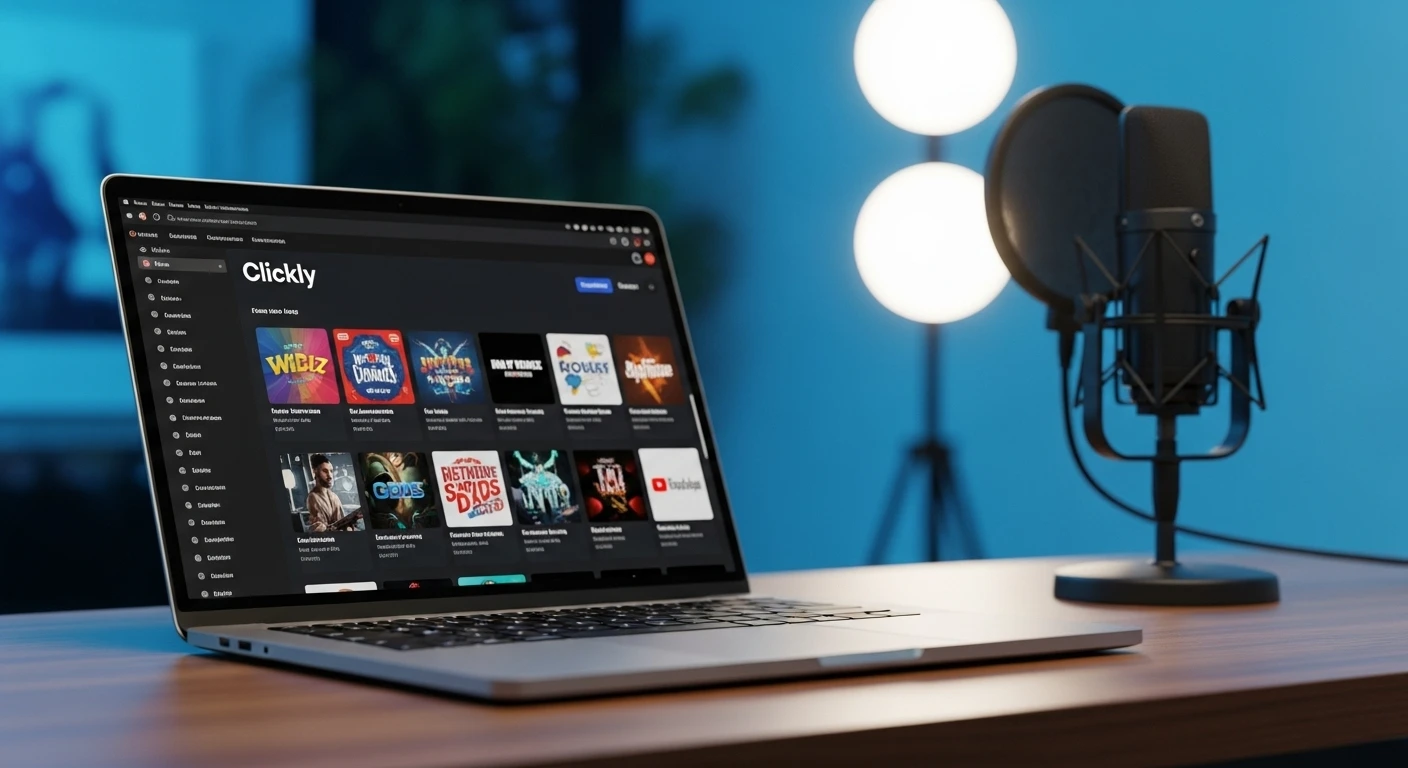
The platform is surprisingly lean. When I first logged into the dashboard, I noticed how uncluttered it was—no unnecessary fluff. Here is the workflow I tested:
- The URL Paste: You drop your video link (or even a competitor’s link) into the AI Magic Generator.
- The Analysis: The AI scans the metadata and visual cues.
- The Output: It generates a few variations based on 2,000+ templates that have already garnered millions of views.
My Observation: The “Magic” generator is fast—usually under a minute. However, the real power lies in the Canva Integration. It doesn’t try to be a better editor than Canva; it just gives you a “viral skeleton” and lets you finish the skin in an environment you already know.
Faceless vs. Personality-Driven Channels: A Dual Perspective
I manage both types of channels, and Clickly serves them differently:
For Faceless Creators (Automation is King)
If you run a faceless “Cash Cow” channel, you need volume. Clickly’s library of 2,000+ templates allows you to churn out high-quality visuals without ever picking up a camera. It uses high-contrast stock imagery and bold “curiosity-gap” text that works perfectly for niches like Finance, Tech News, or Scary Stories.
For Personality-Driven Creators (The Face Clone)
If you are the brand, Clickly has a killer feature: AI Face Cloning. I uploaded three clear photos of myself, and the AI generated my face in various “YouTube” expressions (shock, joy, anger, pointing).
Minor Frustration: Sometimes the lighting on the AI face doesn’t perfectly match the background, so you might need to spend 2 minutes in Canva adjusting the “Brightness/Contrast” to make it look 100% natural.
Clickly vs. The Competition
How does this stack up against the tools you’re probably already using?
- vs. Canva Magic Studio: Canva is great for design, but it doesn’t know what makes a YouTube video viral. It just knows what looks “pretty.” Clickly knows what gets clicked.
- vs. Thumbnail.ai: Thumbnail.ai is good for quick, generic designs, but it lacks the specific “Viral Modeling” templates that Clickly offers.
- vs. Freelance Designers: A good designer costs $15–$50 per thumbnail. Clickly is $47 for life. If you make more than 3 videos a year, the math is a no-brainer.
Tool Comparison Interactive Widget
Use the tool below to see how Clickly compares to other popular options based on your needs.
| Tool Name ⬍ | Cost ⬍ | Data-Driven? ⬍ | Best For ⬍ |
|---|---|---|---|
| Clickly | $47 (Lifetime) | Yes (Viral Patterns) | CTR Growth |
| Canva Magic | $12/mo (Sub) | No (General Design) | Ease of Use |
| Freelance Designer | $20+ Per Job | Depends on Expert | High-End Custom |
| Thumbnail.ai | Freemium | Basic AI | Quick Drafts |
*Sorting preferences are saved to your browser.
The "Lifetime Deal" Reality Check
In 2026, finding a "Lifetime Deal" (LTD) for a tool that actually works is rare. Most companies want to trap you in a $29/month subscription.
Clickly’s **$47 Front-End price** is a strategic move to build a user base. However, be aware that there are upsells. The PRO version ($97) adds 50 new viral templates every month. If you are a full-time creator, you’ll likely want that to stay ahead of "thumbnail fatigue," where a style becomes overused and stops working.
Pros, Cons, and Minor Frustrations
✅ What I Liked
- Proven Data: You aren't guessing; you're modeling winners.
- Speed: Went from idea to final export in under 5 minutes.
- Canva Friendly: No need to learn complex new software.
- Price: $47 lifetime is an incredible ROI.
❌ Minor Frustrations
- Canva Dependency: You still need a Canva account for the final polish.
- Face Cloning: Requires very high-quality photos to look perfect.
- Upsells: The coolest templates are often in the PRO upgrade.
The Final Verdict: Buy or Skip?
⭐ Overall Rating: 4.7/5
Best For: Serious YouTubers, Agencies, and Faceless Channel owners who need higher CTR without the designer price tag.
Not For: High-end cinematic photographers who want total manual control over every pixel.
The Final Word: Clickly is a "work smarter, not harder" tool. It bridges the gap between having a great video and actually getting someone to click on it. For $47, it's the cheapest insurance policy you can buy for your channel's growth.
Frequently Asked Questions (FAQ)
Q: Is there a monthly fee?
A: No, the front-end offer is a one-time payment of $47 for lifetime access.
Q: Do I need Canva Pro?
A: No, Clickly works perfectly with the free version of Canva.
Q: What if I don't like it?
A: There is a 30-day money-back guarantee, so it's essentially a risk-free trial.