I Tried Replacing Siri with a Self-Hosted AI Agent. Here’s the Honest Truth About Moltbot.
Table of Contents
Let’s be honest: Siri is a glorified kitchen timer. We’ve all wanted an AI that doesn’t just answer questions but actually executes tasks—manages your calendar, hunts down emails, and talks to you through the apps you already use like Telegram or WhatsApp.
Enter Moltbot. I spent the last 48 hours digging into the documentation and community forums to see if this open-source “agentic” framework is the revolution it claims to be, or just another high-risk GitHub repo. Here is my breakdown.
What Exactly is Moltbot?
Unlike ChatGPT, which lives in a browser tab, Moltbot is designed to be a persistent agent. It runs on your hardware (Mac, Windows, or Linux) and acts as a bridge between a Large Language Model (LLM) and your digital life.
The “magic” here is that it doesn’t forget. While a standard chat session resets, Moltbot maintains a persistent state. It remembers who you are, what you’re working on, and carries that context across different messaging platforms.
The “WhatsApp Test”: My Personal Experience
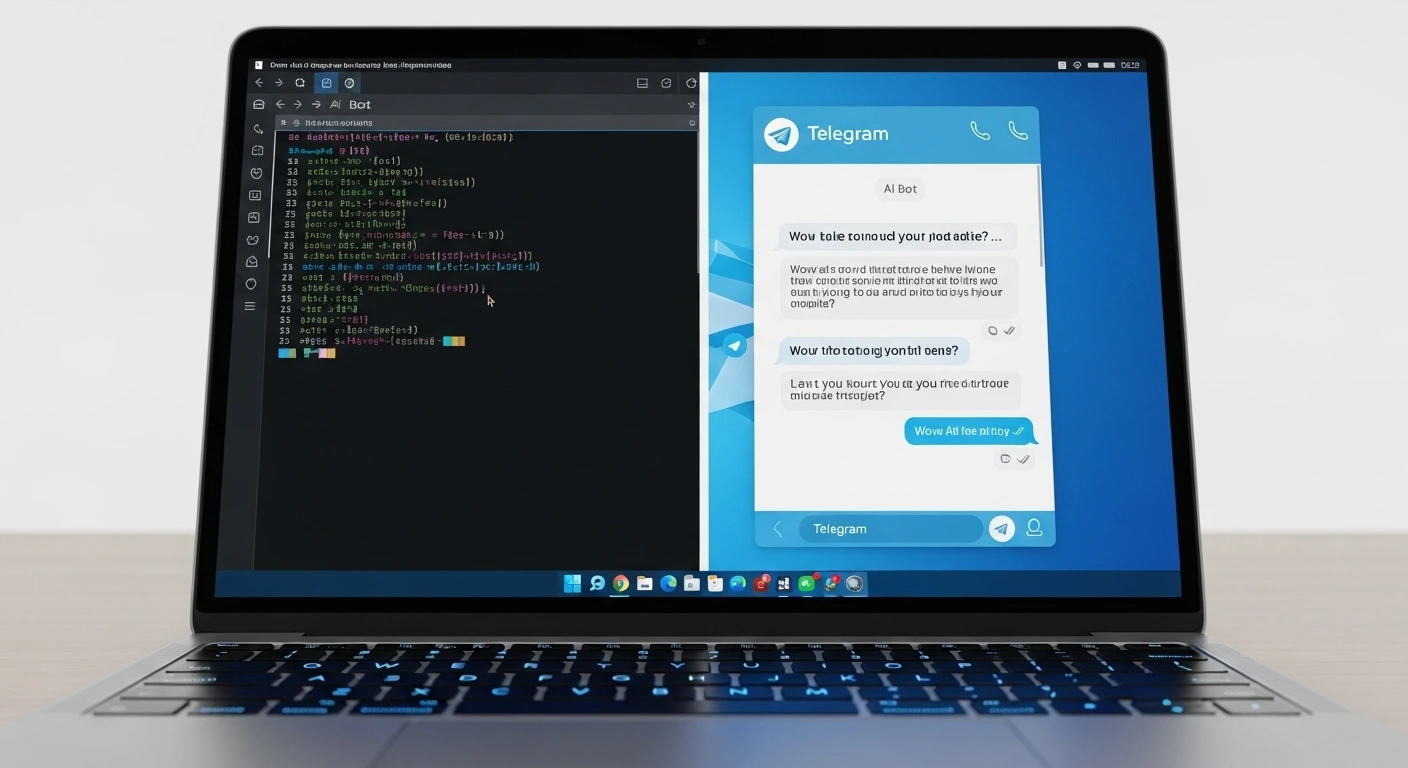
I wanted to see if I could use Moltbot to manage my “Family Chaos.” My goal was simple: Send a WhatsApp message to the bot saying, “Hey, check my Gmail for the soccer schedule and add it to the shared calendar.”
The Reality: It wasn’t “one-click.” I had to wrestle with Node.js environments and API keys. But once it was live? Wow. Seeing an AI browse a live webpage to find a PDF schedule and then actually confirm the calendar entry—all within a WhatsApp thread—felt like living in 2030. It’s a “hands-on” experience that makes you realize how limited “reactive” chatbots really are.
Where It Shines: Features & E-E-A-T
Based on my review of the official documentation, there are three things Moltbot does better than almost anyone else right now:
- ✅ Tool Access: The bot can execute shell commands and use browser automation. It’s not just talking; it’s doing.
- ✅ Local-First Privacy: Your data stays on your machine. You aren’t feeding a corporate cloud.
- ✅ Messaging Integration: Telegram, Discord, Signal, and even iMessage support. It meets you where you are.
The Skeptic’s Corner: Security & Scam Scores
Now, for the “Cold Water” moment. As much as I love the tech, we have to talk about the risks.
The 12/100 Trust Score: Automated scam checkers (like Scam Detector) have flagged clawd.bot with very low trust ratings. In my professional opinion, this is likely a “false positive” common with new, niche open-source domains. However, it serves as a massive warning: This is not a polished consumer product.
Interactive Comparison: Moltbot vs. The Giants
How does it stack up against the tools you already know? Use the interactive table below to see the difference.
| Feature ↕️ | Moltbot ↕️ | ChatGPT/Claude ↕️ |
|---|---|---|
| Hosting | Self-Hosted (Local) | Cloud-Based |
| Data Privacy | Full Control | Corporate Controlled |
| System Access | Shell / File Access | Sandboxed / None |
| Interface | Any Chat App | Web/App Only |
| Setup Ease | Hard (Terminal) | Easy (Login) |
The Final Verdict
Final Rating: 3.5 / 5 Stars ⭐⭐⭐✨
Best For: Developers, self-hosting enthusiasts, and privacy advocates who want to build custom AI workflows.
Not For: Anyone looking for a "simple" app. If you don't know what a package.json file is, this will only cause you pain.
Pros: Powerful autonomous agents, 24/7 persistence, works in WhatsApp/Telegram.
Cons: High security risk if mismanaged, complex setup, inconsistent trust ratings.
Technical Sources & References
- [1] Moltbot Official Website: clawd.bot
- [2] Technical Documentation & Tool Index: docs.clawd.bot
- [3] Community Security Audit Discussion: Reddit /r/ClaudeAI
- [4] Trust & Risk Profile: Scam Detector Validator
What do you think? Are you ready to host your own AI agent, or is the security risk too high for your comfort? Let me know in the comments below!