Bottom Line Up Front: If you are an entrepreneur or productivity enthusiast tired of being tethered to a bulky laptop just to run complex AI agents, Claude Dispatch is worth your immediate attention.
It effectively turns your mobile device into a remote control for your desktop’s local processing power. After testing it extensively over the past few weeks, I can confirm it handles robust workflows flawlessly—though the requirement to keep your home PC awake 24/7 is a minor frustration you’ll need to work around.
🔹 Table of Contents
The Tethered Creator’s Dilemma
Picture this: I was standing on a train platform last Tuesday, waiting for my delayed connection. In the past, this meant 45 minutes of dead time.
If I wanted to run my autonomous scraping agents to build a list of 200 agency owners in California, I had to be seated at my desk. Mobile AI has historically been a neutered experience—a basic chat window completely disconnected from my local files and heavy processing scripts.
We’ve all been there. You have an incredible idea while out getting coffee, but you can’t execute it because you don’t have your “big fat laptop” with you.
The release of Claude Dispatch effectively kills this desk-bound paradigm. Here is the thing: it’s not just another app update. It fundamentally changed how I approach my daily operations.
What Exactly is Claude Dispatch?
Claude Dispatch is an advanced AI workflow tool that functions as a secure “walkie-talkie” between your mobile phone and your desktop computer. It allows you to remotely trigger and manage autonomous local agents—powered by Sonnet 4.6—directly from your pocket.
Instead of relying on the limited processing power of your phone, the app leverages the Claude Co-work interface. Your phone acts merely as a bridge.
You send the command, and your desktop computer at home does all the heavy lifting. Once the task finishes, the resulting data—whether it’s an Excel sheet of phone numbers or an edited media file—is delivered right to your screen.
Why I Ditched DIY Agents for Native Security
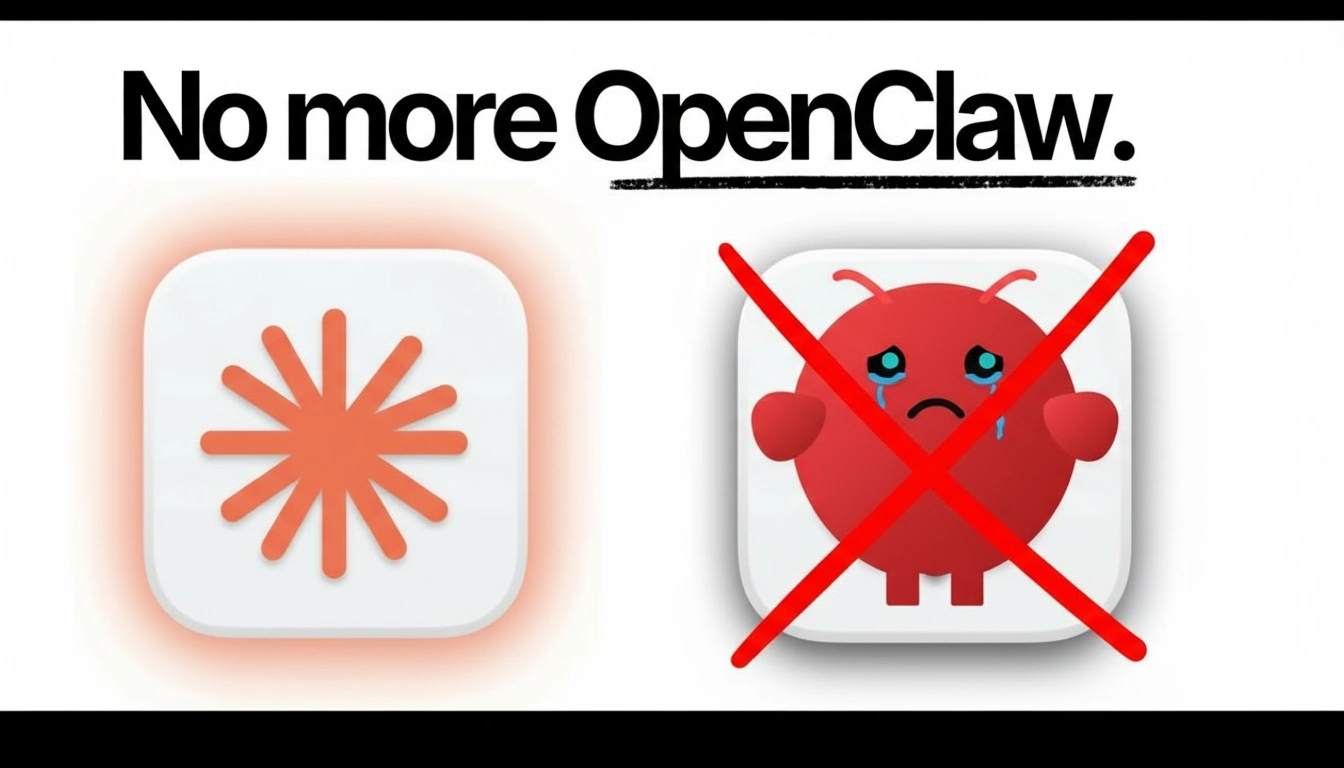
Before Dispatch came along, power users like myself had to rely on DIY agent stacks (often referred to in developer circles as things like “OpenClaw”). Let’s be honest: they were a security catastrophe.
I distinctly remember reading reports about tens of thousands of API keys leaking due to elementary security flaws in these third-party integrations.
⚠️ Security Warning on DIY Agents
Never grant unvetted third-party GitHub scripts full access to your root directories. The risk of exposing sensitive client data or private keys is exponentially higher than using a native, sandboxed environment.
Claude Dispatch replaces that fragility with a robust, native security model. Because Anthropic built this in-house, they utilize strict sandboxed local permissions.
Every single time my agent tries to read a local file or open an external browser window, a permission prompt pops up demanding an “allow-list” approval. This gives me complete peace of mind.
Step-by-Step: Setting Up Your Remote Command Center
You might be wondering if this requires an advanced computer science degree to configure. Frankly, the setup is radically accessible.
If you are exploring basic AI, you might want to check out my beginner’s guide to AI automation first. But if you’re ready to dive into Dispatch, here is my exact 5-minute setup process:
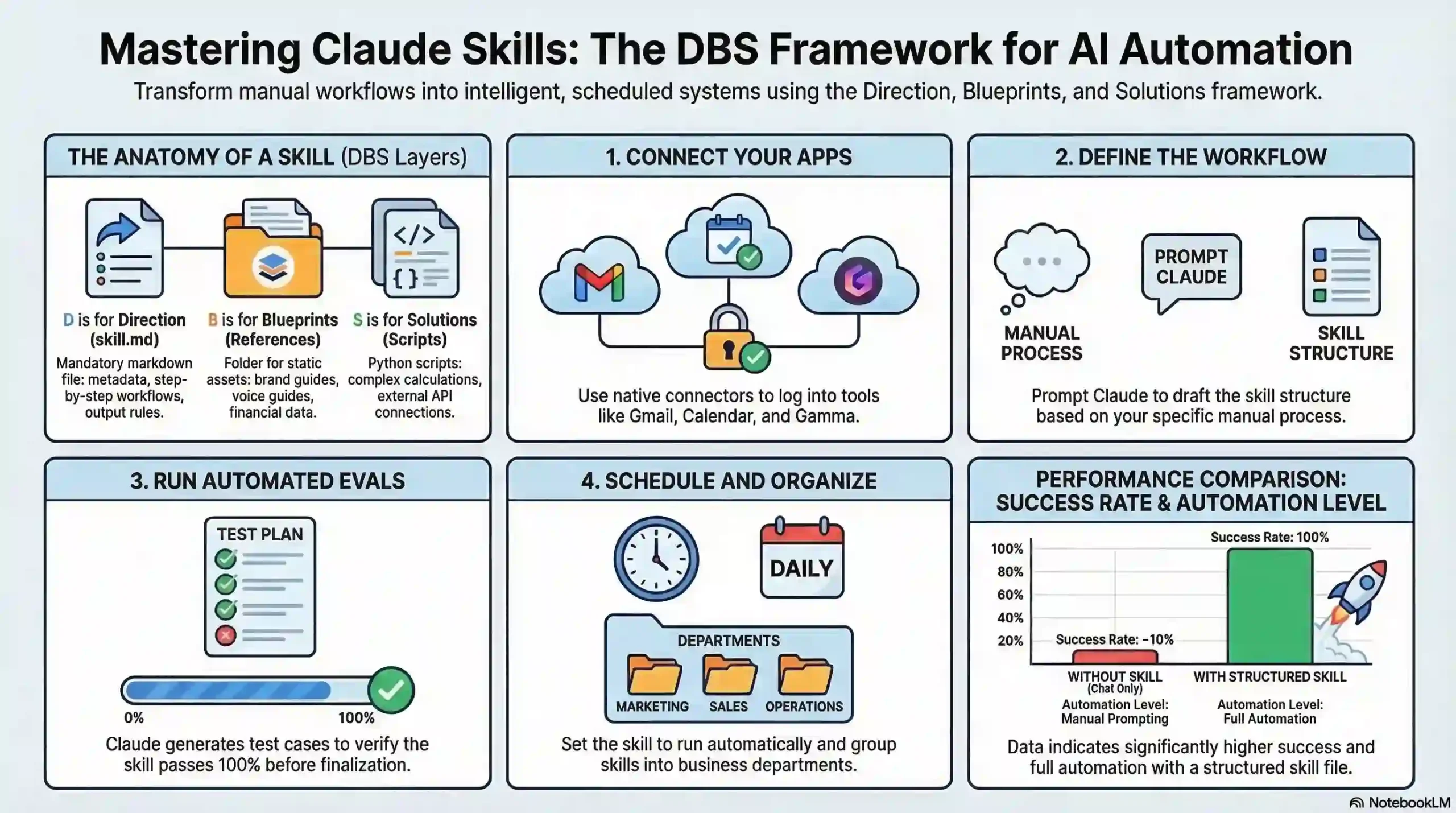
- 🔹 Step 1: Update Everything. Make sure both your Claude Desktop app and the mobile app are running the absolute latest versions.
- 🔹 Step 2: Navigate to Co-work. On your desktop app, hit the
Command + 2hotkey. This pulls up the specialized Co-work section. - 🔹 Step 3: Pair Devices. Open the Dispatch section on your mobile app and simply tap the “Pair with your desktop” button.
- 🔹 Step 4: Grant Permissions. You’ll be prompted to allow access to specific file folders and your browser (I recommend routing it strictly through Chrome).
Parallel Productivity: My Hands-On Experience
When I finally tested the live execution, the first thing I noticed was the “Dispatch tabs” UI. This is where the magic happens.
Dispatch doesn’t force you into a linear, one-task-at-a-time bottleneck. You can manage multiple sub-agents in parallel. The UI prepends these active workflows with the word “Dispatch” and features a clean, real-time progress bar.
During one session from a coffee shop, I executed three tasks simultaneously:
- ⚙️ Lead Generation: Scraping hundreds of niche business leads.
- ⚙️ Media Editing: Running a face-swapping script to draft YouTube thumbnails.
- ⚙️ Inbox Management: Classifying spam and pre-drafting client replies.
The Catch? (My Minor Frustrations)
I promised to keep this review honest. While the execution is incredible, I did notice the mobile loading time can occasionally drag. Sometimes, the app spins for 5 to 10 seconds before firmly establishing that initial “walkie-talkie” connection to my desktop.
Furthermore, your host computer must stay awake constantly. Leaving my main, high-energy workstation running 24/7 feels wasteful. To solve this, I actually had to buy a dedicated, low-power Mac Mini to sit permanently active in the corner of my office.
The Financial Win: Beating the Context Explosion
If you have ever built DIY agents using raw direct API calls, you know the pain of the “context explosion.” You are paying per token, and those costs compound rapidly.
I know high-volume users who have accidentally burned over $100 in just a few days on API credits because a local agent got stuck in a loop.
What I find most valuable about Claude Dispatch is that it moves this chaotic cost structure into a subsidized, flat monthly subscription. In my experience, this model makes heavy agentic activity roughly 4 to 8 times cheaper.
📊 Interactive Tool Comparison
I built this quick interactive table based on my testing. Use the search bar to filter, or click the column headers to sort the data!
The Final Verdict
The Good
- Runs heavy autonomous workflows from your phone
- Flat monthly rate eliminates unpredictable API costs
- Native sandboxing protects local files
- Manage multiple agents simultaneously via UI tabs
The Frustrations
- Requires a host PC to be awake and connected 24/7
- Occasional 5-10 second latency on initial mobile connection
Verdict on Claude Dispatch
Best For: Entrepreneurs, agency owners, and productivity nerds who want to execute extensive data processing or autonomous scraping while away from their desks.
Not For: Casual AI users who only need text generation, or those without a reliable home computer they can leave powered on indefinitely.
The barrier between an idea popping into your head and its actual execution has essentially vanished. We are no longer tied to our home offices to get serious economic knowledge work done.
As you move through your day, ask yourself: How much more competitive could you be if you could trigger and monitor hours of complex professional labor entirely from your pocket?
Ready to level up your workflow?
I highly recommend giving Claude Dispatch a try this week. Let me know in the comments below: what is the first workflow you plan to automate from your phone?