Buffer vs Vista Social vs Later vs Lately.ai: Which Social Media Tool Actually Wins in 2026?
If you’re a social media manager in 2026, you’ve probably heard this pitch about a dozen times: “This tool will revolutionize your workflow!” But here’s what nobody tells you—most social media management platforms solve the same basic problem (scheduling posts), and the real differences only matter once you understand your specific workflow.
I haven’t personally tested all four of these tools, so this isn’t a hands-on review. Instead, this is an honest breakdown based on official documentation, user feedback, and publicly available information. Think of this as the research I wish someone had compiled for me before I started comparing tools.
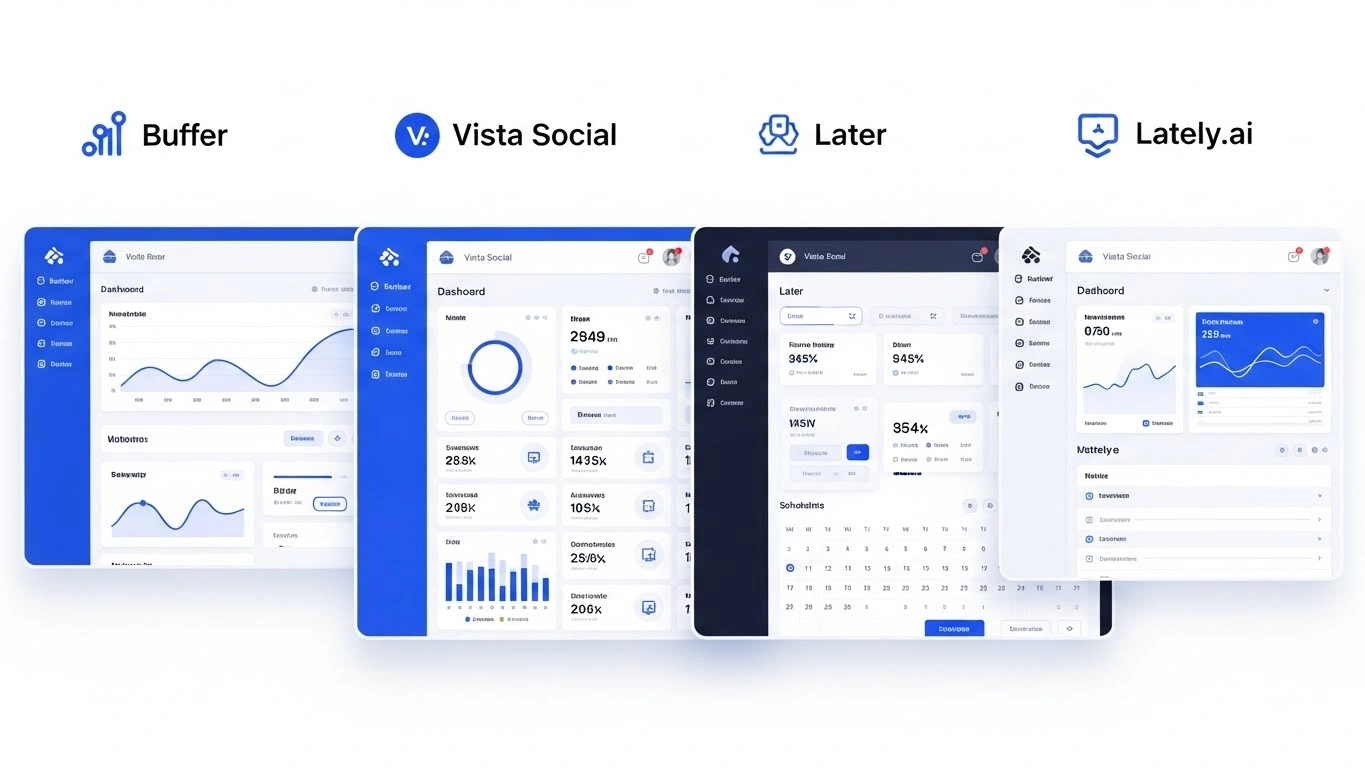
We’re looking at four platforms that approach social media management from completely different angles: Buffer (the simplicity champion), Vista Social (the feature-packed workhorse), Later (the visual planner), and Lately.ai (the AI content engine). Let’s figure out which one fits your actual needs.
⚡ Quick Takeaways
- Buffer wins on simplicity and generous free plan (3 channels, unlimited AI) but costs add up per channel
- Vista Social offers best value for agencies with sentiment analysis and local SEO at $12/month starting price
- Later excels at visual planning for Instagram/Pinterest but has scheduling limits even on paid plans
- Lately.ai specializes in repurposing long-form content but requires $239/month minimum investment
- Your decision should be based on team size, content volume, and whether you need AI repurposing vs. scheduling
The Pricing Reality Check (What You’ll Actually Pay)
Let’s be honest—pricing pages lie. They show you the lowest possible number, but what you actually pay depends on how many accounts you manage and how many people are on your team.
| Tool | Free Plan | Paid Plans Start At | Hidden Costs |
|---|---|---|---|
| Buffer | 3 channels, 10 posts/channel | $6/month per channel | Each additional channel = $6-12/mo |
| Vista Social | None | $12/month | Charges per profile, not per team member |
| Later | 8 channels (1 per platform) | $25/month (1 user, 1 social set) | Must buy “social sets” for multiple accounts |
| Lately.ai | None | $239/month | Enterprise pricing not disclosed |
Real-World Cost Scenarios
Solo Creator (3 accounts – Instagram, LinkedIn, X):
- Buffer Free: $0 (best option)
- Vista Social: $12/month
- Later: $25/month
- Lately.ai: Too expensive for this use case
Agency (10 client accounts, 5 team members):
- Buffer Team: $120/month (10 channels × $12)
- Vista Social: ~$60-80/month (most cost-effective)
- Later Growth: $50/month + additional seats
- Lately.ai: $239+/month
AI Features: The Good, The Overhyped, and The Game-Changers
Every tool claims to have “AI-powered” features now, but there’s a massive difference between “AI assistant that helps you write captions” and “AI that completely transforms your content workflow.”
Buffer’s AI Assistant: The Helpful Sidekick
According to Buffer’s documentation, their AI Assistant is available on all plans (including free) with unlimited use. It’s basically a smart writing helper that can:
- Refine your tone (“make this more professional” or “add some humor”)
- Shorten long captions to fit character limits
- Generate post ideas when you’re stuck
The key advantage? It’s unlimited. You’re not counting credits or worrying about running out mid-campaign.
Vista Social’s Bulk AI Tools: The Efficiency Machine
Vista Social takes a different approach. Their AI focuses on efficiency at scale—according to their feature set, they can generate 10 variations of a single post automatically, each optimized with trending hashtags. The standout feature is sentiment-based response suggestions, which analyzes the “mood” of incoming comments and suggests appropriate replies.
If you’re managing high-volume community engagement, this saves hours of figuring out how to respond to different types of comments.
Later’s AI Ideas: The Credit System
Later offers AI-powered content ideas on paid plans, but uses a credit system. Based on their documentation, you spend one credit per caption or three content ideas. Once you’re out of credits, you either wait for the monthly refresh or purchase more.
This works fine for occasional use, but if AI generation is core to your workflow, the credit limitation might frustrate you during busy campaign periods.
Lately.ai’s “Brain”: The Content Transformer
Here’s where things get interesting. Lately.ai isn’t trying to help you write captions—it’s trying to replace your entire content atomization process.
According to their official features, Lately’s AI analyzes your historical content performance and learns which specific phrases, sentence structures, and hooks drive engagement for your specific audience. The “parent-child” model means you give it a 10-minute video or blog post, and it generates 40+ social posts, each with different angles optimized based on your data.
Related Reading: Want to understand how AI automation fits into your broader social strategy? Check out our Generative AI Social Automation Guide for a deeper dive into workflow optimization.
Analytics That Actually Matter (Beyond Vanity Metrics)
Every platform shows you likes and follower counts, but in 2026, social media managers need predictive insights—not just historical reports.
Buffer’s Personalized Analysis
According to Buffer’s analytics documentation, they provide basic analytics on the free plan and advanced analytics on paid plans. What makes Buffer useful is their “Answers” tab, which gives you actionable recommendations:
- Best day to post for your specific audience
- Best performing content type (video vs. carousel vs. static)
- Ideal posting frequency based on your engagement patterns
You can export custom PDF reports—helpful when presenting to clients or stakeholders who don’t want to log into another platform.
Vista Social’s Predictive Analytics
This is where Vista Social pulls ahead. Based on their feature descriptions, they use a Bayesian model to predict when your specific followers are most likely to convert—not just engage, but take action. Their sentiment analysis charts correlate sentiment shifts with ROI, so you can see if a 10% increase in positive comments actually leads to more conversions.
For agencies proving the value of social media to clients, this level of data bridges the gap between “we got more engagement” and “engagement drove revenue.”
Later’s Demographics Breakdown
Later provides detailed audience demographics (gender, location, age) for Instagram, Facebook, TikTok, and Threads. They also show when your followers are online. However, according to user feedback, cross-platform analytics are only available on their highest-tier plan, which can be limiting if you need a unified view.
Lately.ai’s Engagement Probability Scores
Lately takes a unique approach by showing you an engagement probability score before you publish. The AI predicts which linguistic patterns will trigger the algorithm based on your historical data. It’s less about what already happened and more about what’s likely to work.
Platform Support and Limitations
This matters more than people think. If you’re heavy on X (formerly Twitter) and Bluesky, some tools won’t support those platforms at all.
| Platform | Buffer | Vista Social | Later | Lately.ai |
|---|---|---|---|---|
| ✅ Full support | ✅ Full support | ✅ Business/Creator only | ✅ Supported | |
| X/Twitter | ✅ Supported | ✅ Supported | ❌ Not supported | ✅ Supported |
| TikTok | ✅ Supported | ✅ Supported | ✅ Supported | ✅ Supported |
| Bluesky | ✅ Supported | ✅ Supported | ❌ Not supported | ❌ Not supported |
| Google Business | ✅ Supported | ✅ With reviews | ❌ Not supported | ❌ Not supported |
Who Each Tool Is NOT For (The Honest Take)
Most comparison articles tell you what tools are “best for,” but I find it more helpful to know what they’re NOT good for.
❌ Skip Buffer If:
- You need deep sentiment analysis or predictive ROI modeling
- You’re managing 15+ client accounts (costs scale fast)
- Advanced analytics are critical for stakeholder buy-in
- You need sophisticated team workflows with approval chains
❌ Skip Vista Social If:
- You’re a solopreneur who just wants basic scheduling
- You find feature-rich interfaces overwhelming
- You don’t need sentiment analysis or local SEO
- You prefer minimalist, distraction-free tools
❌ Skip Later If:
- You need to post frequently (scheduling limits even on paid plans)
- X/Twitter or Google Business are core platforms
- You have multiple accounts on the same platform
- You need robust team collaboration features
❌ Skip Lately.ai If:
- You’re on a tight budget ($239/month minimum)
- You don’t produce long-form content regularly
- You need a simple scheduling interface, not AI complexity
- You create original short-form content rather than repurposing
The Migration Question (Can You Switch Later?)
According to various sources, most engagement data lives on the social platforms themselves, not in your scheduler. However, internal notes, tags, and content queues don’t transfer easily. Vista Social reportedly offers API-based imports for Buffer users, which helps with the transition.
If you’re worried about vendor lock-in, Buffer and Vista Social make switching easier than Later or Lately.ai, where your historical AI training data or visual planning layouts would be lost.
Frequently Asked Questions
Which tool has the best free plan for beginners?
Buffer wins hands-down. You get 3 social channels on any platforms you choose, 10 scheduled posts per channel, and unlimited AI assistance. Later’s free plan technically supports 8 channels, but you’re limited to one account per platform (so you can’t connect two Instagram accounts). For someone just starting out who wants to test social media scheduling, Buffer’s free tier is the most flexible.
Does Lately.ai’s price tag justify the ROI?
According to user reviews and the tool’s positioning, Lately.ai makes financial sense if you produce 20+ pieces of social content per week from long-form sources, or if your billable hour exceeds $150. The time saved on manual content atomization typically pays for the platform within the first month for high-volume agencies and media companies. For small businesses posting occasional updates, the price doesn’t align with the value provided.
How accurate are AI-powered “best time to post” recommendations?
Buffer uses global averages, which according to industry benchmarks are about 60% accurate. Vista Social uses account-specific data, which reportedly yields 20-30% higher engagement rates by timing posts to your specific audience’s peak activity. Later also provides personalized recommendations based on when your followers are online. The key is that these are starting points—you still need to test and refine based on your own data.
Can I use Buffer for Instagram Stories and Reels?
Yes. Buffer supports auto-publishing to Instagram Business and Creator profiles for both feed posts and Stories. For Instagram Reels and personal profiles, you’ll use notification-based publishing through their mobile app. Later also supports Stories but only auto-publishes for business accounts; creator profiles require manual posting via notifications.
Which tool is best for agencies managing multiple clients?
Vista Social is generally the most cost-effective for agencies because it charges per profile rather than per team member. This means you can add unlimited team members without increasing costs. Buffer’s Team plan offers unlimited users but charges per channel, so costs scale with the number of client accounts. Later’s model becomes expensive quickly when you need multiple accounts per platform across different clients.
Final Verdict: Which Tool Should You Choose?
Choose Buffer if: You’re a solo creator or small team (under 5 people) who values simplicity and reliability over advanced features. The free plan is perfect for testing social media scheduling, and the unlimited AI assistance is genuinely useful without feeling gimmicky.
Choose Vista Social if: You’re an agency or mid-sized business that needs sentiment analysis, local SEO management, and predictive analytics to prove ROI to clients. The per-profile pricing model makes it the most cost-effective option for teams managing multiple brands.
Choose Later if: You’re a visual-first brand heavily focused on Instagram and Pinterest, and you value the drag-and-drop visual planner. However, be aware of the scheduling limits even on paid plans, and the fact that you’ll need to purchase full social sets even if you only need one or two platforms.
Choose Lately.ai if: You’re a content-heavy organization (media company, large brand, or agency) that produces regular long-form content (podcasts, webinars, blog posts, videos) and wants to maximize the lifespan of every piece. The $239/month investment makes sense if you’re currently spending 10+ hours per week manually creating social variations of existing content.
Want to go deeper? Learn how these tools fit into a comprehensive AI automation strategy in our Generative AI Social Automation Guide.
Bottom line: There’s no universally “best” tool—only the best tool for your specific workflow, content volume, and team structure. Buffer wins on simplicity and free tier generosity. Vista Social wins on value for agencies. Later wins for visual-first Instagram marketers. Lately.ai wins for AI-powered content repurposing.
The smartest move? Take advantage of the free trials. Buffer offers 14 days on paid plans plus an unlimited free tier. Vista Social and Later both offer 14-day trials. Test them with your actual content and workflow before committing.
What’s your experience with these tools? Have you found hidden features or frustrations that others should know about? Share your insights in the comments below.