Stop the Scroll: My Personal Guide to the Best Design Tools for 2026
🔗 Transparency Disclaimer: This article contains my honest reviews based on years of daily use. If you click on some links, I may earn a commission at no extra cost to you. This helps me keep the lights on and the reviews coming!
In 2026, social media isn’t just about “posting updates” anymore. For Gen Z and Millennials, it has officially replaced Google as the primary search engine. If your visuals don’t immediately communicate value, you’re essentially invisible.
The Bottom Line: After testing dozens of platforms this year, I’ve found that the “one tool to rule them all” doesn’t exist. Instead, the most successful creators are building “tool stacks” that balance AI speed with professional precision. Here is my breakdown of what’s actually working right now.
✅ Quick Takeaways
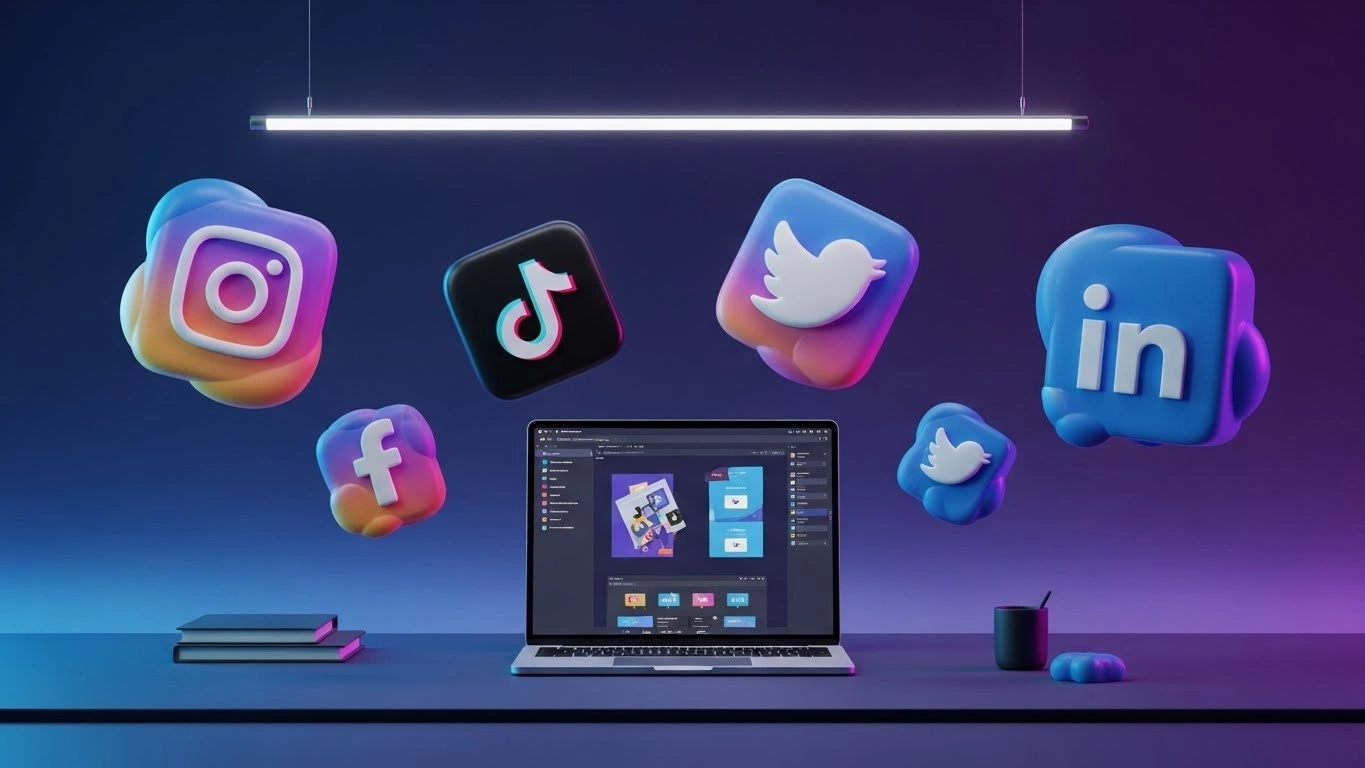
- Trend Alert: “Sensory Design” (3D, squishy, puffy textures) is the biggest engagement driver this year.
- The Speed King: Canva’s Magic Studio is still unbeatable for high-volume, daily content.
- The Precision Pick: Adobe Express is the better choice if you need to maintain strict brand consistency with Photoshop assets.
- Video Strategy: Prompt-to-video (InVideo AI) is the fastest way to repurpose blog content into Reels.
Table of Contents
- What’s Trending: Sensory Design & Visual SEO
- The Essentials: Canva vs. Adobe Express
- Pro Tools: When Templates Aren’t Enough
- Short-Form Video & AI Automation
- Comparison Widget: Find Your Tool
- Frequently Asked Questions
1. What’s Trending Now: Sensory Design & Visual SEO
I’ve noticed a massive shift in how audiences interact with content. Flat design is officially “out.” In my experience, the posts getting the highest saves and shares right now utilize Sensory Design.
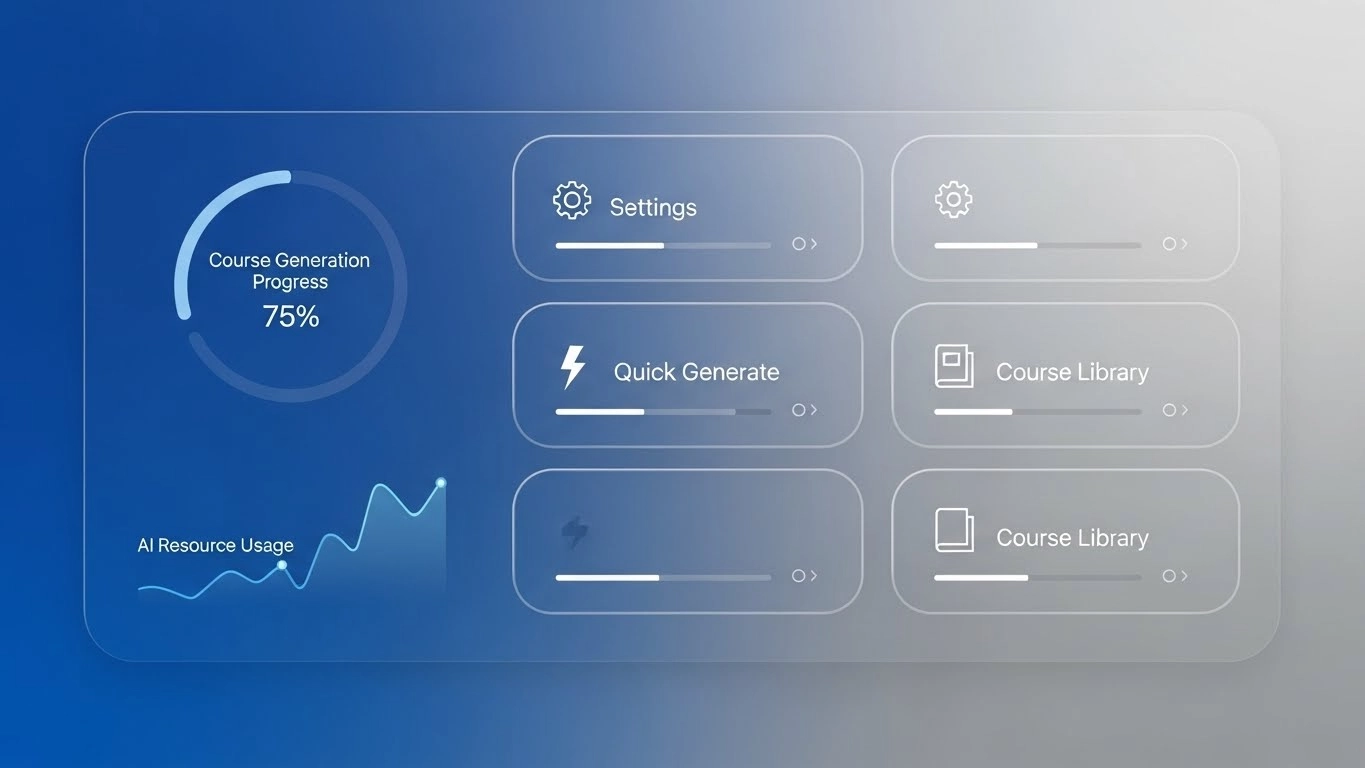
These are visuals that mimic physical textures—think 3D “puffy” typography, squishy buttons, and hyper-realistic glassmorphism. It works because it triggers a stronger emotional response than flat vector shapes.
2. The Essentials: Canva vs. Adobe Express
Canva: The Speed King
I use Canva every single day for one reason: Magic Studio. Being able to upload a rough sketch and have AI turn it into a full carousel in 30 seconds is a game-changer for my workflow.
- The Good: Massive template library and seamless team collaboration.
- The Bad: Its “vector” control is still frustrating. If you need pixel-perfect logos, you’ll hit a wall quickly.
Adobe Express: The Brand Guardian
If you’re like me and already paying for Adobe Creative Cloud, Express is a no-brainer. The Firefly integration for “Generative Fill” is significantly more sophisticated than Canva’s version.
- The Good: Direct links to Photoshop and Illustrator. Update a logo in Illustrator, and it updates in your social templates automatically.
- The Bad: The template library feels a bit more “corporate” and less “trendy” than Canva’s.
3. Pro Tools: When Templates Aren’t Enough
When I’m working on a high-tier brand campaign, I still go back to Photoshop and Illustrator. Why? Because templates have a “look” that people can spot a mile away. To stand out, you sometimes need custom “Generative Expand” features or vector precision that only the Adobe heavyweights provide.
4. Short-Form Video & AI Automation
We’ve all seen it: static posts are struggling, but Reels and TikToks are exploding. I’ve started using InVideo AI to handle the heavy lifting. I can type a prompt like “Create a 15-second Reel about 2026 design trends with a professional voiceover,” and it builds the storyboard for me. It’s not perfect—I always have to tweak the captions—but it saves me about 3 hours of editing per video.
5. Interactive Tool Comparison
Use the search and sort features below to find the tool that fits your current skill level and budget.
| Tool ↕ | Best For ↕ | Skill Level ↕ | Price ↕ |
|---|
Frequently Asked Questions
Is Canva actually “professional” enough?
In 2026, the answer is a resounding yes. Most agencies I know use it for 80% of their social media output because speed is the most important metric for social growth.
What’s the best way to handle “Visual SEO”?
Make sure your images aren’t just pretty; they need to be descriptive. Use high-contrast elements and clear subject matter so the platform’s AI can categorize your content correctly.
Final Thoughts: My Verdict
Success in 2026 comes down to authenticity. Whether you’re using “puffy” 3D sensory designs or simple static quotes, make sure it looks like it came from a human, not a generic AI bot. Start with Canva for your daily grind, but don’t be afraid to jump into Adobe Express when you need that extra polish.
What’s in your toolkit? 🛠️
I’m curious—are you strictly a Canva user, or have you made the jump to AI video tools yet? Leave a comment below and let’s talk shop! I respond to every single one.
Technical Sources & References:
– Adobe Digital Trends Report 2025/2026
– Canva Magic Studio Feature Documentation
– Social Media Examiner: The Shift to Visual Search (2025 Data)