AIVideoStitcherFX Review: Is This the Missing Link for AI Video Editing?
We’ve all seen the mind-bending AI videos popping up on our social feeds. But let’s be honest about the dirty little secret no one mentions: most of those “revolutionary” AI generators can only produce a measly 5 to 6 seconds of footage at a time.
The Bottom Line Up Front: If you are tired of generating isolated 5-second clips and downloading them just to piece them together in a separate, expensive editing software, AiVideoStitcherFx was designed for you. It solves this workflow nightmare by combining an AI scene generator with a multi-layer timeline editor for a one-time fee of $37. While it has a few speed bumps, it is a highly effective tool for YouTubers, marketers, and course creators who want a unified production environment.
Key Takeaways
- ✅ All-in-One Dashboard: Generates scenes, music, and voiceovers natively.
- ✅ Real Timeline Editing: Stitch together short clips into seamless 5-to-30 minute videos.
- ✅ One-Time Pricing: Replaces costly monthly subscriptions to separate stock, audio, and video tools.
- ❌ Base Limits: The $37 entry point limits videos to 30-60 seconds (requires the PRO upgrade for longer videos).
What Exactly is AiVideoStitcherFx?
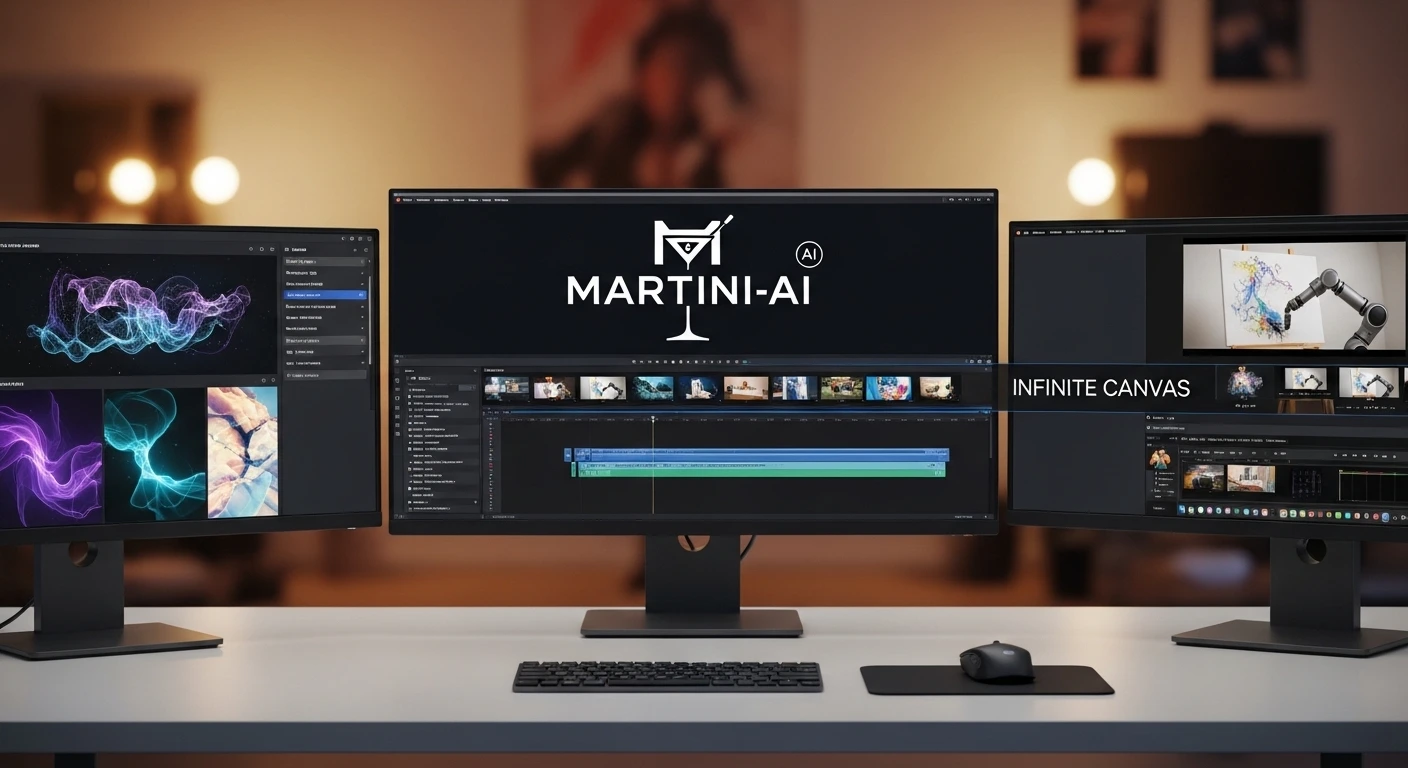
AiVideoStitcherFx is a browser-based AI video production platform that combines clip generation, AI voiceovers, and music creation with a traditional multi-layer timeline editor. This allows creators to seamlessly stitch short AI-generated scenes into complete videos without switching to external software.
I find this fascinating because it finally treats generative AI models as a feature of video editing, rather than a standalone gimmick. If you are new to AI marketing, check out my guide on getting started with AI content tools to understand why workflow integration matters so much.
The “6-Second Wall” Problem
Picture this: You type a great prompt into a tool like VEO3 or Sora. The AI spits out a stunning 6-second cinematic clip. It looks incredible. But then what?
You can’t tell a story in 6 seconds. When I previously tested standalone video generators, I spent half my day regenerating clips, hoping the lighting matched the previous scene. Then, I had to download heavy MP4 files, import them into Premiere Pro or CapCut, find background music from another site, and record a voiceover using yet another app. It was exhausting.
💡 Pro Tip
Using AiVideoStitcherFx’s built-in “AI Script Writer” before you touch the timeline ensures your video has a structural backbone. Don’t just generate random scenes; let the AI outline the chapters first.
Hands-On: The Multi-Layer Timeline Editor
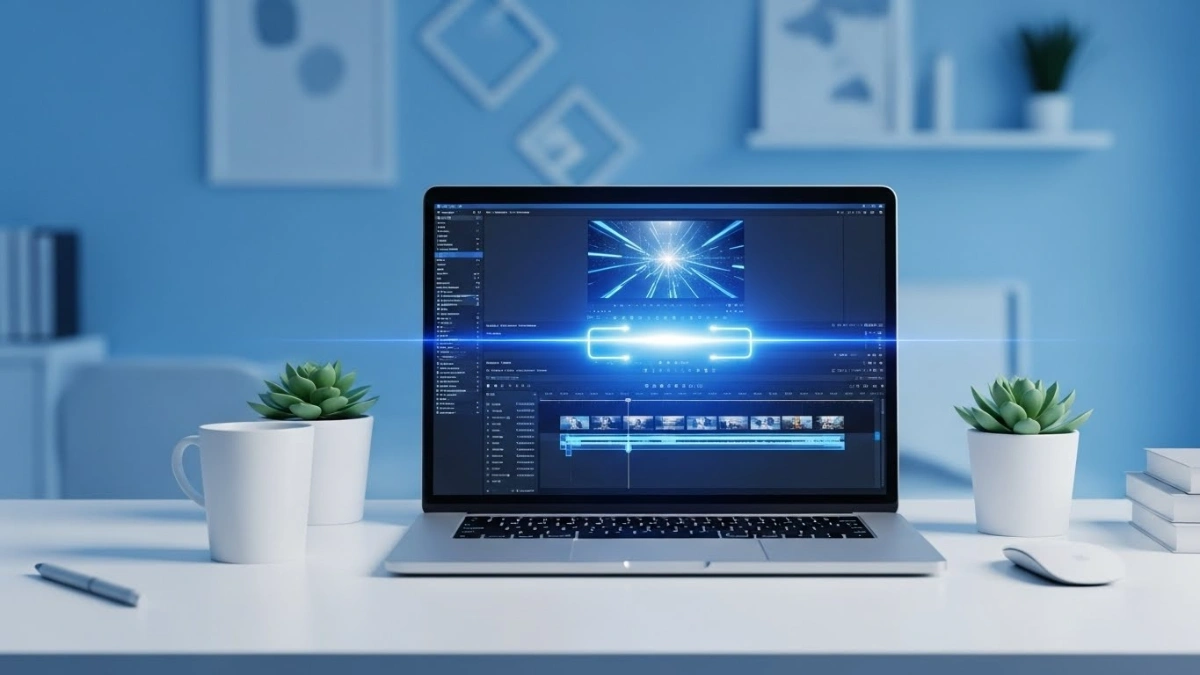
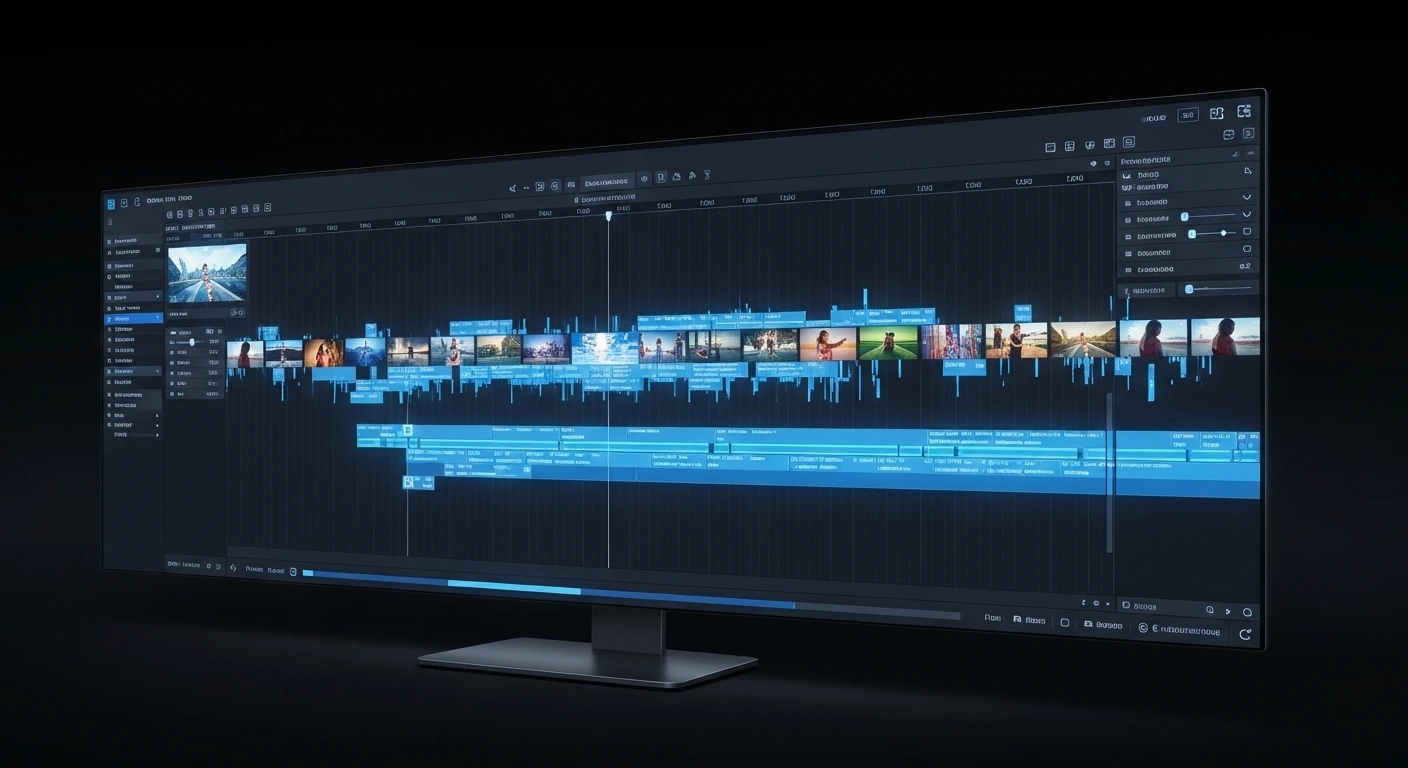
When I tested the AiVideoStitcherFx dashboard, my main focus was on the “Timeline Editing System.” This is the core feature that separates it from standard clip generators.
The interface feels familiar—resembling a cleaner, stripped-down version of professional editing software. I hit the “AI Scene Generation” button, typed in my prompt, and within moments, it populated a 15-second visual. From there, I was able to drag and drop it right onto the timeline.
Because the platform supports multiple layers, I easily stacked an AI-generated voice track underneath the video, and layered an instrumental track from their “AI Music Composer” underneath that. Trimming and cutting the clips felt snappy and responsive in the browser.
My Minor Frustrations (The Cons)
No software is perfect, and to be entirely frank, AiVideoStitcherFx has a couple of speed bumps that you need to know about before pulling out your credit card.
First, when I tested the initial rendering feature, I noticed the loading time was slow—especially when layering custom AI music over multiple generated video scenes. You have to be patient while the browser compiles the assets.
Second, the pricing structure is slightly frustrating. The marketing heavily promotes the $37 front-end price, which is genuinely a great deal. However, this base version restricts videos to 30-60 seconds. To unlock the ability to render up to 3-minute clips, you are required to purchase the PRO upgrade.
✅ The Pros
- 🔹 One-Time Pricing: $37 base price eliminates monthly subscription drain.
- 🔹 True Workflow Integration: Combine text, voice, music, and video in one place.
- 🔹 No Software to Install: Fully cloud-based drag-and-drop editor.
- 🔹 Built-in Media: Access to screen recording and a full Pixabay stock library.
❌ The Cons
- 🔹 Length Limits: The basic $37 tier caps videos at 30-60 seconds (requires PRO).
- 🔹 Render Times: Compiling multiple complex AI layers can cause browser lag.
- 🔹 Voiceover Limitations: Doesn’t match the hyper-realism of standalone tools like ElevenLabs.
Interactive Feature Comparison
How does it stack up against the big names? Use the interactive table below to compare the platforms. (Click headers to sort!)
Final Verdict
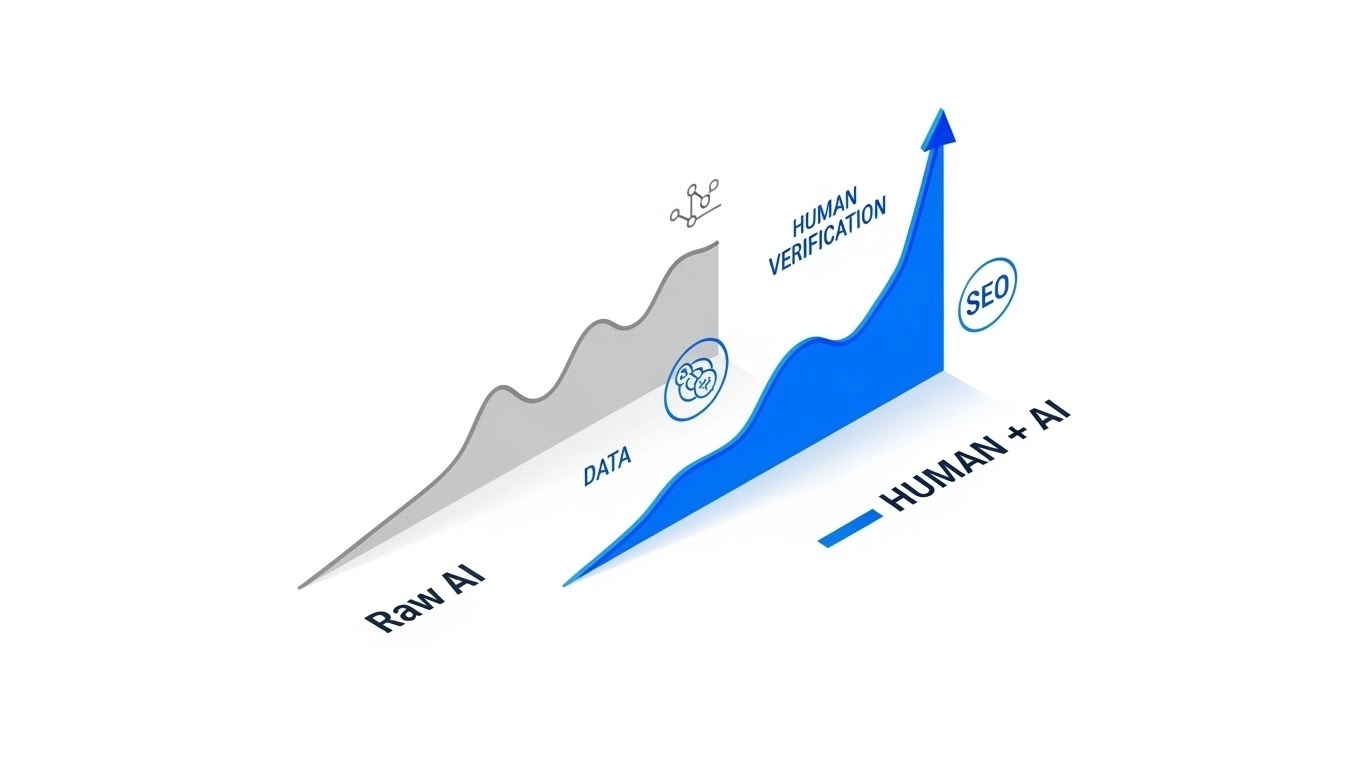
If you are serious about publishing content consistently, switching between four different apps just to finalize one video is a massive waste of time. AiVideoStitcherFx effectively bridges the gap between raw AI generation and human-guided storytelling.
The Final Verdict
YouTubers, affiliate marketers, and course creators who need to produce longer-form content rapidly without paying monthly software fees.
Hollywood-level filmmakers who require complex color grading, node-based visual effects, or ultra-premium 3D rendering.
Ready to streamline your video creation?
Grab AiVideoStitcherFx HereFrequently Asked Questions
Is AiVideoStitcherFx a monthly subscription?
No. The front-end offer of AiVideoStitcherFx is available for a one-time payment of $37. This grants you access to the generation tools and the timeline editor without recurring fees, though there are optional upgrades (Upsells) for higher capacities.
Do I need a powerful computer to run it?
Not at all. The entire platform is browser-based, meaning all the heavy lifting and rendering is done on their cloud servers. As long as you have a stable internet connection, you can use it on any machine.
Can I use my own voiceovers and videos?
Yes. You are not locked into purely AI-generated content. You can import your own custom footage, personal audio recordings, and screen captures directly into the timeline to mix with the AI elements.
What is the maximum video length I can create?
The basic $37 version allows you to create videos up to 30 to 60 seconds long. If you want to stitch scenes together to create 3-minute (or up to 30-minute) videos, you will need to purchase the PRO upgrade.
Does it automatically generate captions?
Yes, AiVideoStitcherFx includes an auto-captioning feature that transcribes your speech and overlays text directly onto your video, saving you hours of manual subtitle entry.