AI Image Generators in 2026: The Beginner’s Guide I Wish I Had (No Jargon)
Let’s be honest for a second: most of us jump into AI image tools expecting magic. You type in “cool cyberpunk city,” hit enter, and wait for a masterpiece.
Then reality hits.
Instead of a masterpiece, you get a city that looks like it’s melting. Or worse—you try to generate a portrait, and the subject has seven fingers on one hand and eyes looking in two different directions. I’ve been there. It’s frustrating, and it makes you wonder if these tools are actually worth the hype.

That’s exactly why I spent the last few weeks stress-testing the current landscape of AI image generators. I didn’t just read the marketing brochures; I uploaded blurry smartphone photos, typed vague prompts, and pushed these tools until they broke so I could tell you exactly what works and what doesn’t.
If you want to skip the “melted face” phase and go straight to creating professional visuals for your blog or social media, this guide is for you.
🚀 Key Takeaways (The “Too Long; Didn’t Read” Version
- Best for Art: Midjourney is still the king of quality, but it has a steeper learning curve.
- Best for Ease: DALL-E 3 (inside ChatGPT) talks like a human, making it the easiest to start with.
- Best Free Option: Leonardo.ai offers incredible control and a generous free tier.
- The Secret Weapon: Vague prompts fail. Use the “Subject + Context + Style” formula (detailed below).
- Fixing Glitches: You don’t need Photoshop; look for “Inpainting” features to fix bad hands.
My “Torture Test” Process
Before we look at the tools, I want you to know this isn’t a random list. To separate the useful tools from the toys, I ran a specific workflow on every platform I tested:
- The Volume Test: I generated 50+ images per tool using both short, lazy prompts and long, detailed ones.
- The Stress Test: I specifically asked for things AI struggles with—hands, text, and complex lighting.
- The Beginner Test: I looked at how easy it was to fix a mistake without needing a degree in computer science.

Here is what I found.
The Top 3 Contenders (That Actually Work)
There are hundreds of apps out there, but in 2025, only three really matter for beginners. Here is how they stack up.
1. Midjourney (The Artistic Gold Standard)
If your goal is to make people stop scrolling and say “Wow,” this is it. The lighting, texture, and creativity are unmatched.
- Best For: High-end blog headers, book covers, and artistic concepts.
- The Catch: It runs inside Discord, which can feel chaotic if you’re used to clean dashboards. There is no free plan right now.
- Price: Starts around $10/month.
2. DALL-E 3 (The Friendly Assistant)
Built directly into ChatGPT, this is the most conversational tool. You don’t need to learn “prompt code.” You just talk to it.
- Best For: Following exact instructions, adding text to image
3. Leonardo.ai (The Best Free Entry Point)
This is my top recommendation for anyone reading this article who isn’t ready to open their wallet yet. It’s a web-based dashboard (no Discord!) that gives you incredible control.
- Best For: Experimenting risk-free, creating consistent game assets, and specific style control.
- The Catch: Rendering on the free tier can be a bit slower, but the quality is solid.
- Price: Free (daily credits) with paid upgrades.
The “Magic Formula” for Perfects, and complex scenes
- The Catch: The images can sometimes look a bit “smooth” or overly digital/cartoonish compared to Midjourney.
Price: Included with ChatGPT Plus ($20/month). Prompts
Here is the biggest secret I learned during my testing: The AI isn’t stupid, it just lacks context.
If you type “a dog,” the AI has to guess the breed, the lighting, the background, and the camera angle. Usually, it guesses wrong.
To get professional results, treat your prompt like a fill-in-the-blank game. Use this formula:
[Subject] + [Action/Context] + [Art Style] + [Lighting/Mood] + [Camera Angle]
Let’s see it in action:
- Don’t type: “A futuristic city.”
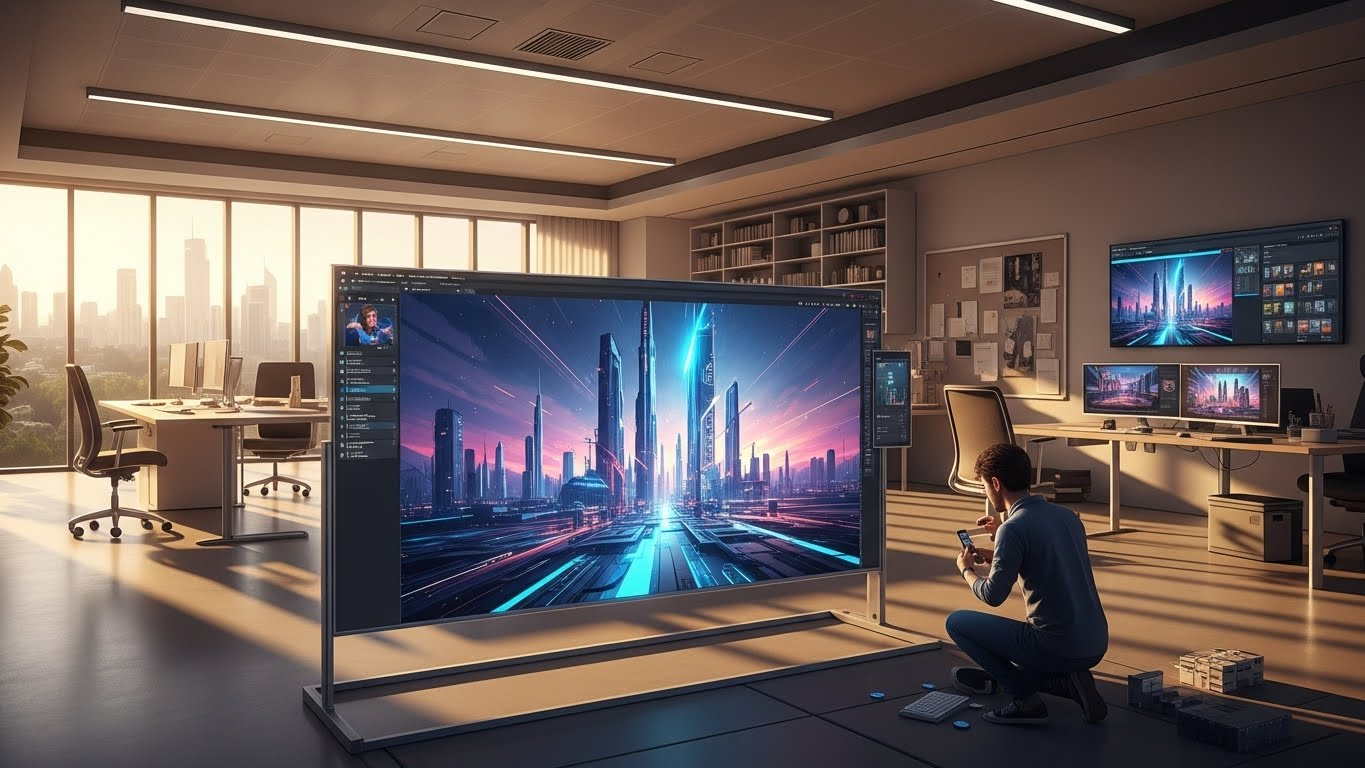
Do type: “A futuristic city made of crystal [Subject] at sunset [Context], cyberpunk style [Style], cinematic lighting with purple neon fog [Mood], wide-angle drone shot [Camera Angle].”

Quick “Power Words” to Upgrade Any Image
Want to cheat a little? Add these words to the end of any prompt to instantly boost the quality:
- For Realism: 4k, hyper-realistic, shot on Canon R5, highly detailed.
- For Atmosphere: Golden hour, volumetric fog, dramatic shadows.
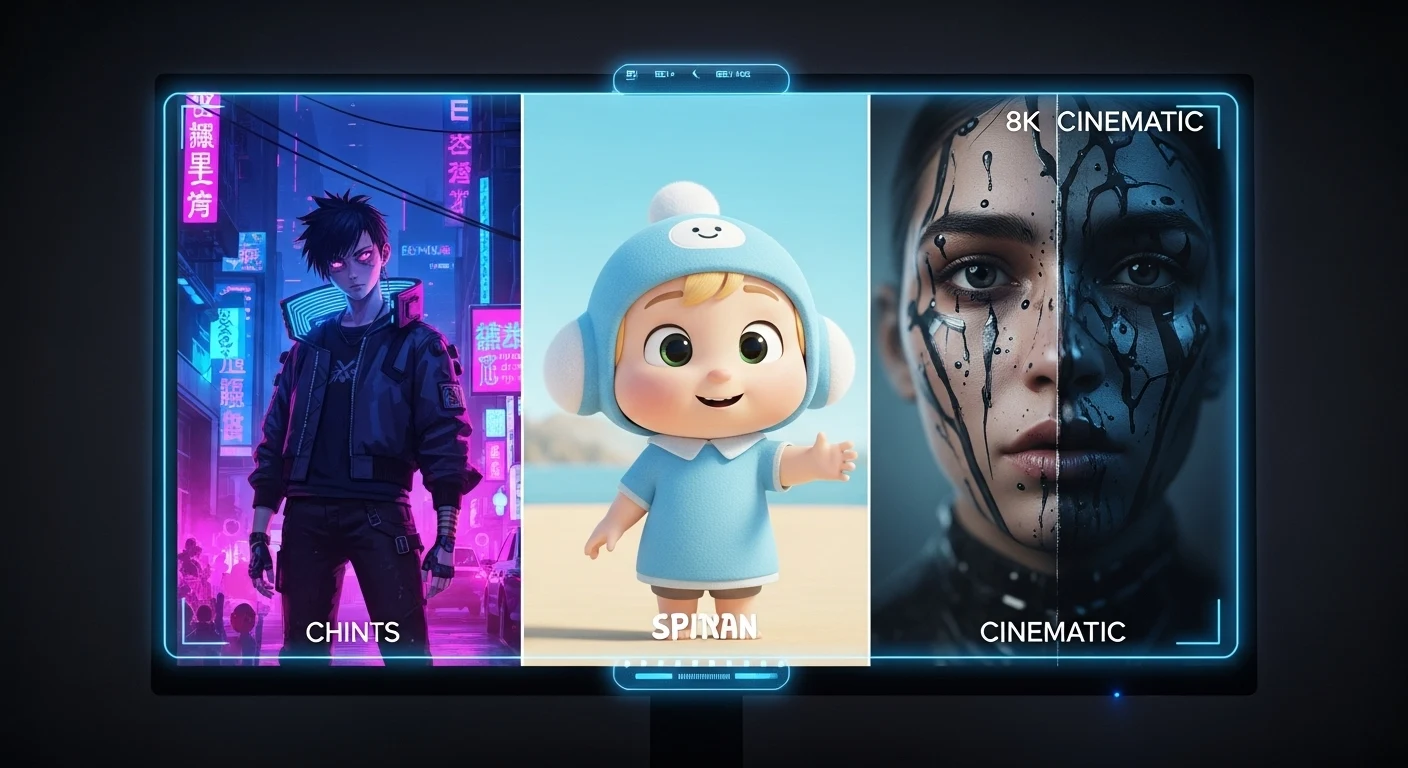
For Style: Minimalist vector, oil painting, isometric 3D render
Troubleshooting: How to Fix “Weird” AI Art
Even with a perfect formula, sometimes the AI messes up. You might get a person with three legs or a face that looks… off. Don’t delete the image yet. Here is how to fix it.
The Problem: Distorted Faces or Objects
The Fix: Use “Inpainting.”
Most tools (like Leonardo and DALL-E) have an “Inpaint” or “Vary Region” button. This acts like a magic eraser. You highlight the weird face and tell the AI “regenerate face.” It fixes just that spot without changing the rest of the image.
The Problem: Too Many Fingers / Extra Limbs
The Fix: Negative Prompting.
Think of this as the “Do Not Include” box. In the settings, you can add keywords like: bad anatomy, extra fingers, missing limbs, blurry, ugly. It tells the AI specifically what to avoid.
The Problem: The Image Looks Flat or Boring
The Fix: Lighting Keywords.
Lighting is usually the culprit. Add words like “rim lighting” (creates a glowing outline) or “contrasting colors” to add depth and pop.
A Quick Note on Ethics
Before you go off and create your masterpiece, let’s touch on the human side of this technology. Transparency builds trust.
If you’re using these images for your blog or business, it’s good practice to add a small caption like “Image generated with AI.” Also, try to avoid using prompts like “in the style of [living artist].” Instead, use general descriptors like “modern impressionist” or “digital fantasy art.” It keeps you legally safer and ethically sound.
Final Verdict: Your Next Step
If you are still on the fence, here is my advice: Just start.
You don’t need to pay for a subscription today. You don’t need to master prompt engineering overnight. The best way to learn is to play with the tools and see what happens.
Ready to Create Your First Masterpiece?
Step 1 (The Quick Win): Head over to Leonardo.ai (it’s free to start) and try the “Futuristic City” prompt formula I shared above.
Step 2 (The Long Game): Want more “copy-paste” formulas and tech tips? Join the Growbity Newsletter. We send out weekly cheat sheets that keep you ahead of the AI curve without the headache.
FAQ: Common Beginner Questions
1. Can I use AI images for my business legally?
Generally, yes. Most paid plans (and some free ones) grant you commercial rights. However, you cannot currently copyright an AI image in the US, meaning you own it, but you can’t stop others from using it.
2. Why do AI hands always look weird?
AI understands “hand” as a collection of shapes (fingers, palm) but doesn’t fully understand the underlying bone structure yet. It’s getting better, but “negative prompts” are still your best friend here.
3. Is Midjourney worth the money compared to free tools?
If visuals are a core part of your brand (e.g., you are a designer or art blogger), yes. If you just need blog thumbnails, the free tools are likely enough.