5 Truly Free AI Logo Generators That Actually Work (2026 Guide)
The “Bottom Line Up Front”: Yes, you can absolutely get a professional logo for $0 in 2026. After testing dozens of tools, I found that Namecheap is best for vector files, Canva is king for customization, and LOGO.com offers the best “mini-brand” package. Skip the paywalls—here is how to do it.
Table of Contents
- Why “Free” Usually Isn’t Free (and How to Avoid the Trap)
- The Winners: Top 4 Truly Free AI Logo Generators
- The 5-Minute Hustle: How to Generate & Download
- Technical Guide: SVG vs. PNG (And Why You Care)
- Interactive Tool Comparison
- The Final Verdict
Let’s be honest: starting a business is expensive. The last thing you want is to spend $500 on a logo before you’ve even made your first dollar. I’ve been there—spending hours “designing” a logo on a site that claims to be free, only to hit a $60 checkout screen at the very end.
It’s frustrating. But the good news? AI has changed the game. You no longer need to be a Photoshop wizard or have a huge budget. You just need to know which tools are actually telling the truth about being “free.”
1. Why “Free” Usually Isn’t Free
Most “Free AI Logo Makers” are actually “Free to Try, Pay to Download” schemes. They let you spend 30 minutes perfecting a design, then hold your high-resolution files hostage behind a paywall.
2. The Winners: Top 4 Truly Free AI Logo Generators
🔹 Namecheap Logo Maker (Best for Print)
If you need a logo that won’t look blurry on a t-shirt or business card, this is your first stop. Unlike many competitors, Namecheap provides SVG (Vector) files for free. This is huge.
- Truly free SVG (vector) downloads.
- No account required for initial design.
- Clean, professional aesthetic.
- The AI isn’t as “creative” as others.
- Limited abstract icon options.
🔹 Canva AI (Best for Customization)
Canva’s “Dream Lab” AI is incredibly powerful. What I love about Canva isn’t just the AI generation, but the editor that comes after. You can move every pixel until it’s perfect.
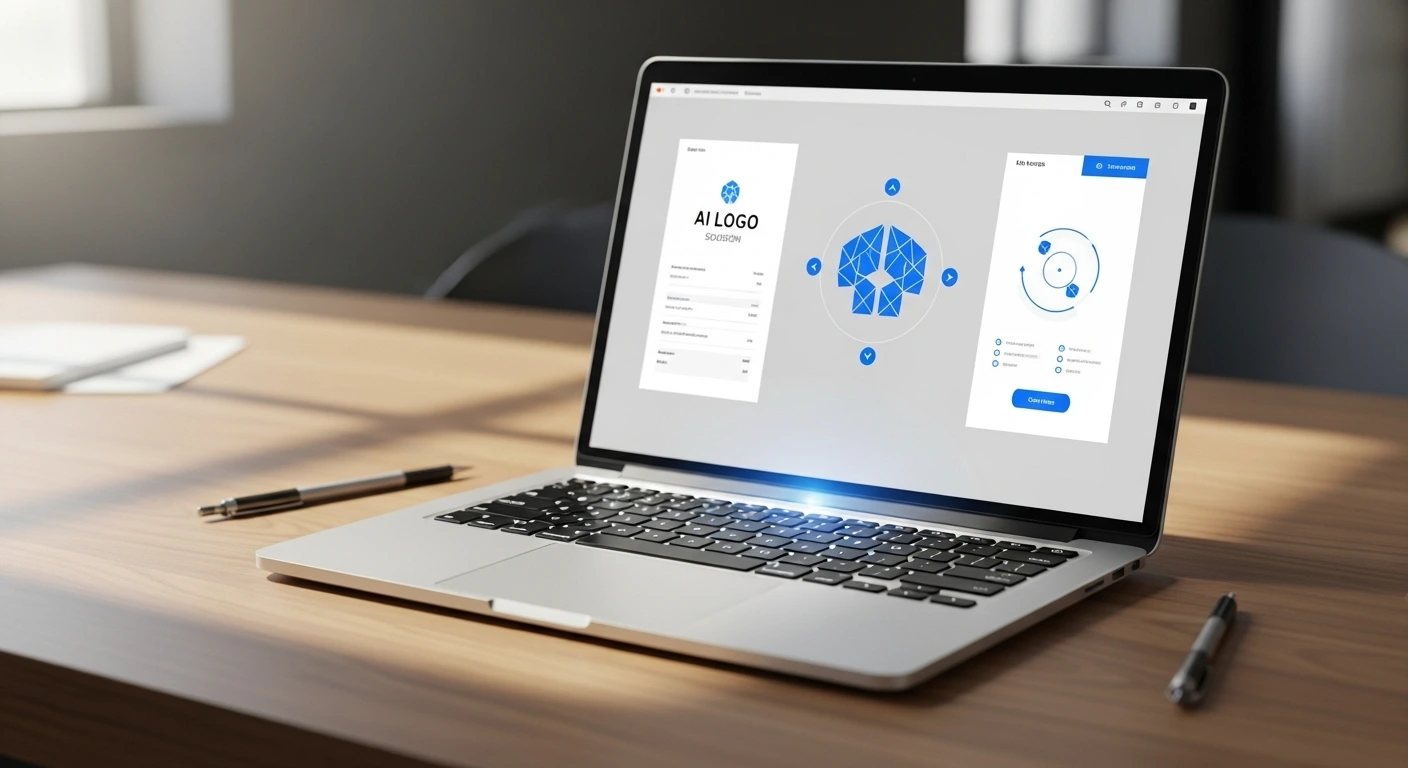
[IMAGE PLACEHOLDER: Screenshot of Canva’s AI Logo Generator interface showing customization options]
🔹 LOGO.com (Best for Brand Kits)
This is a sleeper hit. When I tested LOGO.com, I was surprised to find they give you a mini “brand board” including favicons and social media icons—all for the price of an email signup.
3. The 5-Minute Hustle: How to Generate & Download
Don’t just type “I want a coffee logo.” The AI needs context to give you something that doesn’t look generic. Follow this 3-step formula I use:
- The Prompt: Use the formula [Brand Name] + [Niche] + [3 Style Keywords]. Example: “Atlas Cafe, Organic Coffee, Minimalist, Earthy, Professional.”
- The Icon Selection: Avoid the first 5 results. Everyone uses those. Scroll down to find the unique symbols.
- The “Squint Test”: Squint your eyes at the screen. If you can still tell what the logo is, it’s a good design. If it turns into a blob, it’s too complex.
4. Technical Guide: SVG vs. PNG
In my experience, this is where most new founders get stuck. Here is the simple breakdown:
- PNG: Great for your website header and social media. It supports transparent backgrounds. Limitation: If you try to blow it up for a store sign, it will look like a Lego brick.
- SVG: This is a “Vector” file. It uses math (not pixels) to draw. You can scale it to the size of a skyscraper and it will stay crystal clear. Aim for this if you plan to print anything.
5. Interactive Tool Comparison
Use the tool below to find the right generator based on what you actually need to download today.
| Tool Name ↕️ | Free Format ↕️ | Best For ↕️ |
|---|
The Final Verdict
⭐ Overall Score: 4.8/5
Best For: Solopreneurs, Bloggers, and Early-stage Startups who need to look professional without the $500 price tag.
Not For: Major corporations needing trademark-exclusive, hand-illustrated artwork.
My Recommendation: Start with Canva to explore your style. Once you find a look you love, use Namecheap to grab the SVG vector file so you’re covered for both web and print.
Frequently Asked Questions
Q: Can I trademark an AI-generated logo?
A: It’s complicated. Most free tools grant “commercial use,” but because the AI uses shared icons, you might not be able to claim 100% exclusive ownership. For a side hustle, it’s fine. For a global brand, hire a designer later.
Q: Why does my free logo look blurry?
A: You likely downloaded a low-res PNG. Go back and check if the tool offers a “High Resolution” or “SVG” option. Namecheap and LOGO.com are best for avoiding this.
Ready to launch your brand?
Don’t let design paralysis stop you. Pick one tool, spend 15 minutes, and get your logo live today!
Have you tried any of these tools? Drop a comment below and let me know which one gave you the best result!