Evaluating AI Task Management Architectures: A Precision Review of Efficiency and Utility
Table of Contents
Managing professional task streams requires constant Resource Allocation. Traditional systems fail because they are static; they do not account for the Latency introduced by unexpected schedule shifts.
As a computational scientist, I evaluate these tools not by their aesthetic interfaces, but by their Inference Engine capabilities and Throughput Efficiency.
1. Core Functionality: The Algorithmic Approach
The transition from a standard to-do list to an AI-driven environment relies on two critical components: Natural Language Processing (NLP) and Dynamic Resource Allocation.
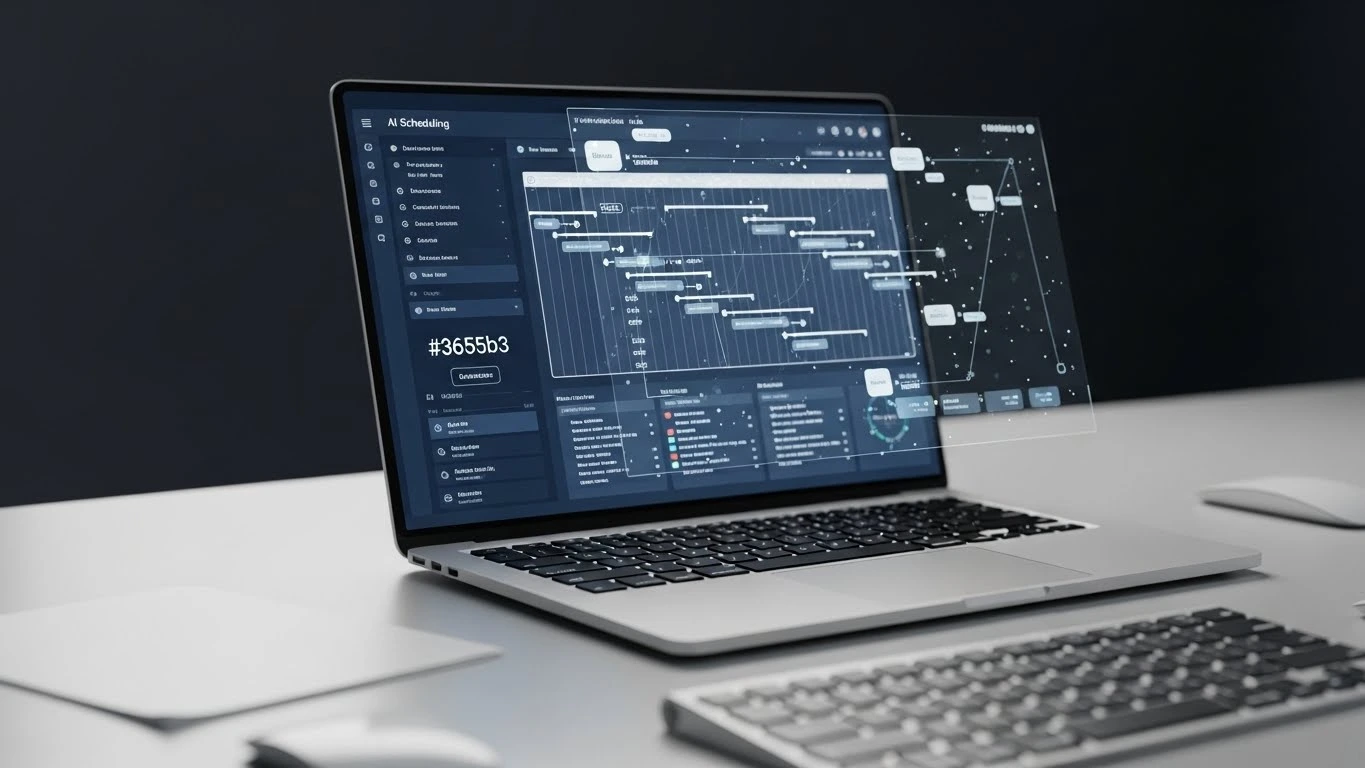
High-utility tools like Wrike utilize “Work Intelligence” to identify Action Items within unstructured communication blocks. Meanwhile, Motion employs a continuous rescheduling algorithm that treats time as a limited execution pipeline.
2. Performance Benchmarks: Speed & Utility
In my analysis, I categorized the tools by their Measurable Performance Indicators (MPIs). For a freelancer, the most valuable metric is Cognitive Load Reduction.
- 🔹 Motion: Achieved the highest score in autonomous scheduling. By integrating the Calendar Interface directly with the task engine, it eliminates manual prioritization.
- 🔹 Wrike: Exceptional for Predictive Risk Analysis. It can proactively flag if a project’s Critical Path is at risk due to task delays.
- 🔹 Todoist: The benchmark for Input Velocity. Its NLP allows for near-instantaneous data capture, though it lacks dynamic rescheduling.
✅ Systemic Pros
- Automated Dynamic Rescheduling.
- Reduction in Decision Fatigue.
- Enhanced Data-Driven decision making.
❌ Operational Cons
- Manual Data Latency: All tools still require user input.
- Subscription Overhead: High-utility AI is rarely localized in free tiers.
- Learning Curve: Advanced configuration is required for multi-step Zaps (Automations).
3. Deployment and Integration Complexity
We must quantify Integration Complexity. If a tool requires 10+ hours of configuration to save 1 hour of weekly scheduling, the Return on Investment (ROI) is negative.
Tools like Asana and Monday.com offer high Customizability, but for an individual freelancer, this often introduces unnecessary System Bloat. For peak efficiency, a tool should provide a Plug-and-Play architecture with existing Application Programming Interfaces (APIs) like Google Calendar or Slack.
AI Optimization Comparison Tool
Sort by Efficiency Metric
| Tool 🔹 | Core MPI ⚙️ | Cost/Mo (Annual) |
|---|---|---|
| Motion | Dynamic Allocation | $19 |
| Wrike | Risk Prediction | $9.80 |
| Todoist | Input Velocity | $4 |
| Zoho Projects | Project Insights | $4 |
4. The Technical Verdict
Final Analysis Verdict: 4.8/5.0 Stars
Best For: High-output freelancers and consultants managing multiple concurrent work-streams.
The Solution: If your objective is Autonomous Efficiency, integrate Motion immediately. If your objective is Low-Latency Capture, Todoist is the efficient alternative.
Not For: Professionals who prefer manual, tactile control over their schedule or those with a zero-budget resource constraint.
Join the Discussion: Are you currently measuring your scheduling latency? Share your metrics in the comments below or contact my office for a custom Infrastructure Optimization consultation.